Same app, nine different desks
A dashboard is only ever a mirror of one person's day. Here is what the same widgets look like on nine very different ones. Every tile below is a real widget, and every chip links to it.
Every product, one cockpit
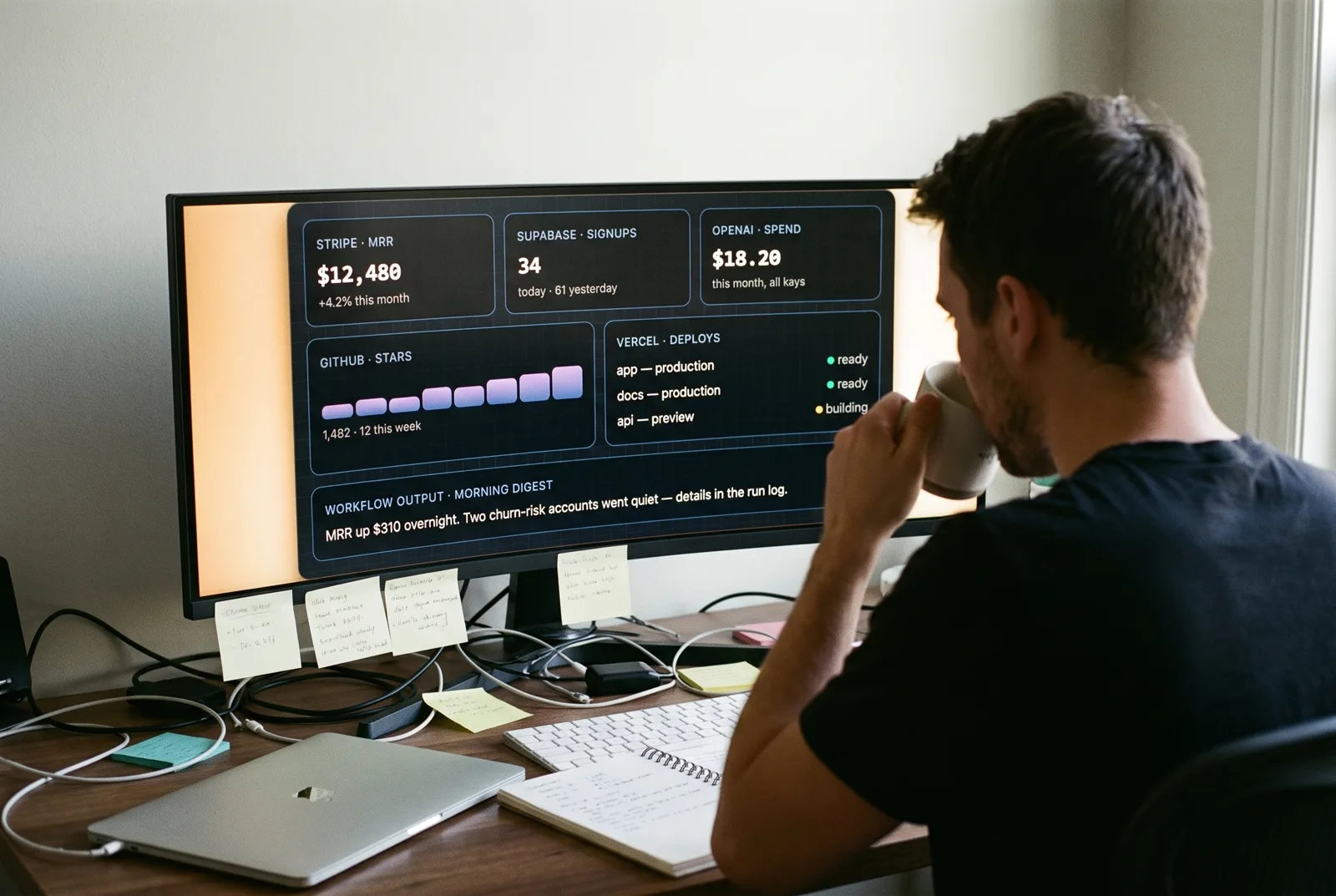
Stripe, Supabase, Vercel, GitHub, OpenAI: five dashboards with five logins, checked forty times a day. Connect each one once and Live Data turns the numbers you actually care about into tiles: MRR, signups, deploys, spend. The whole business at a glance, on the desktop, all day.
Workflow idea: Every morning at 8:00 → fetch Stripe and Supabase → AI compares to last week → one toast digest with your coffee.
The day sheet, always up
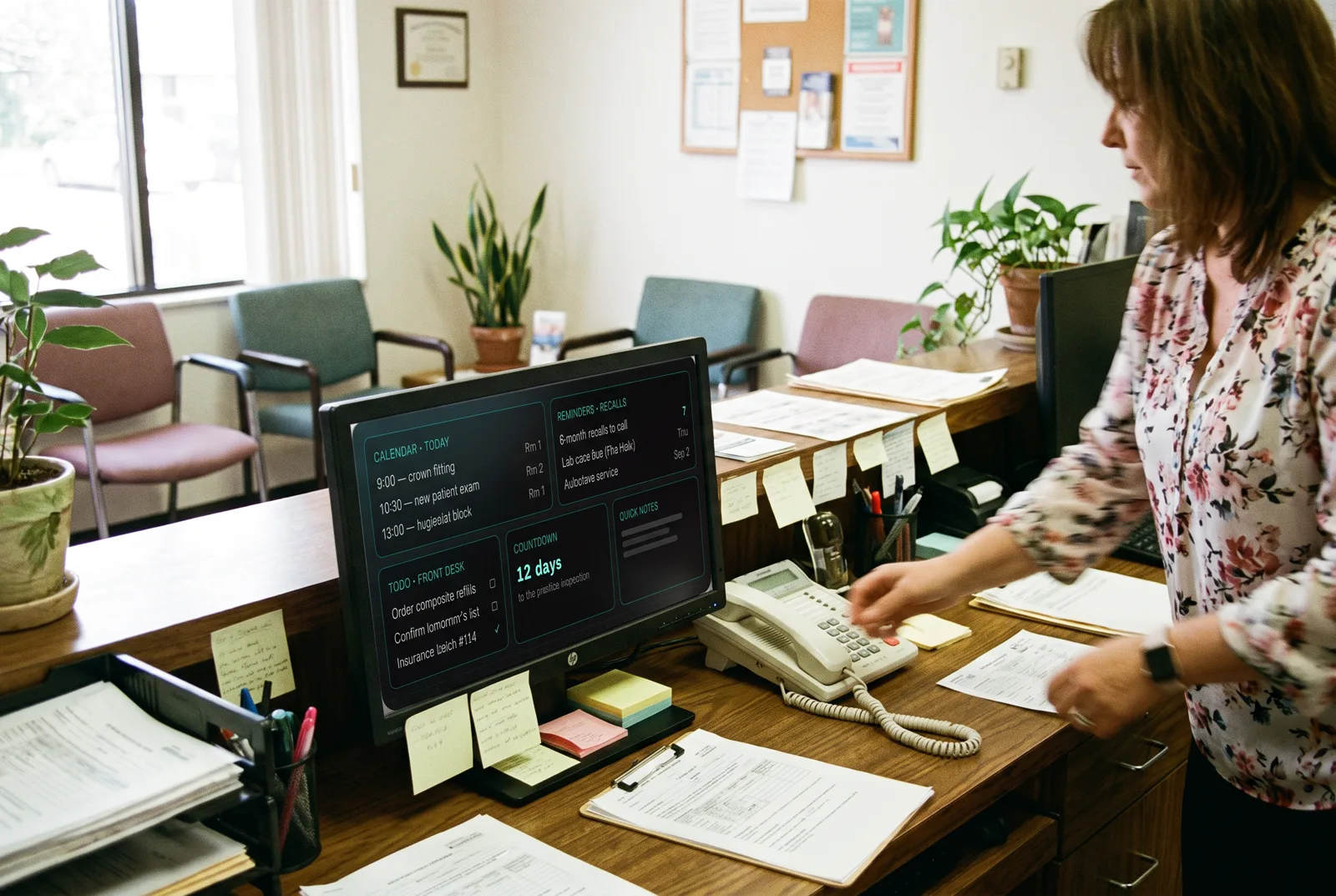
No patient data in a browser tab that gets closed: a second screen that always shows today's list, the recall calls to make, and what the front desk still owes the day. Reminders fire as real Windows toasts, so the lab case never gets forgotten because someone was mid-phone-call.
Workflow idea: Every weekday at 7:00 → read reminders → anything due today becomes a toast with its own sound before the first patient arrives.
A bridge console on a laptop
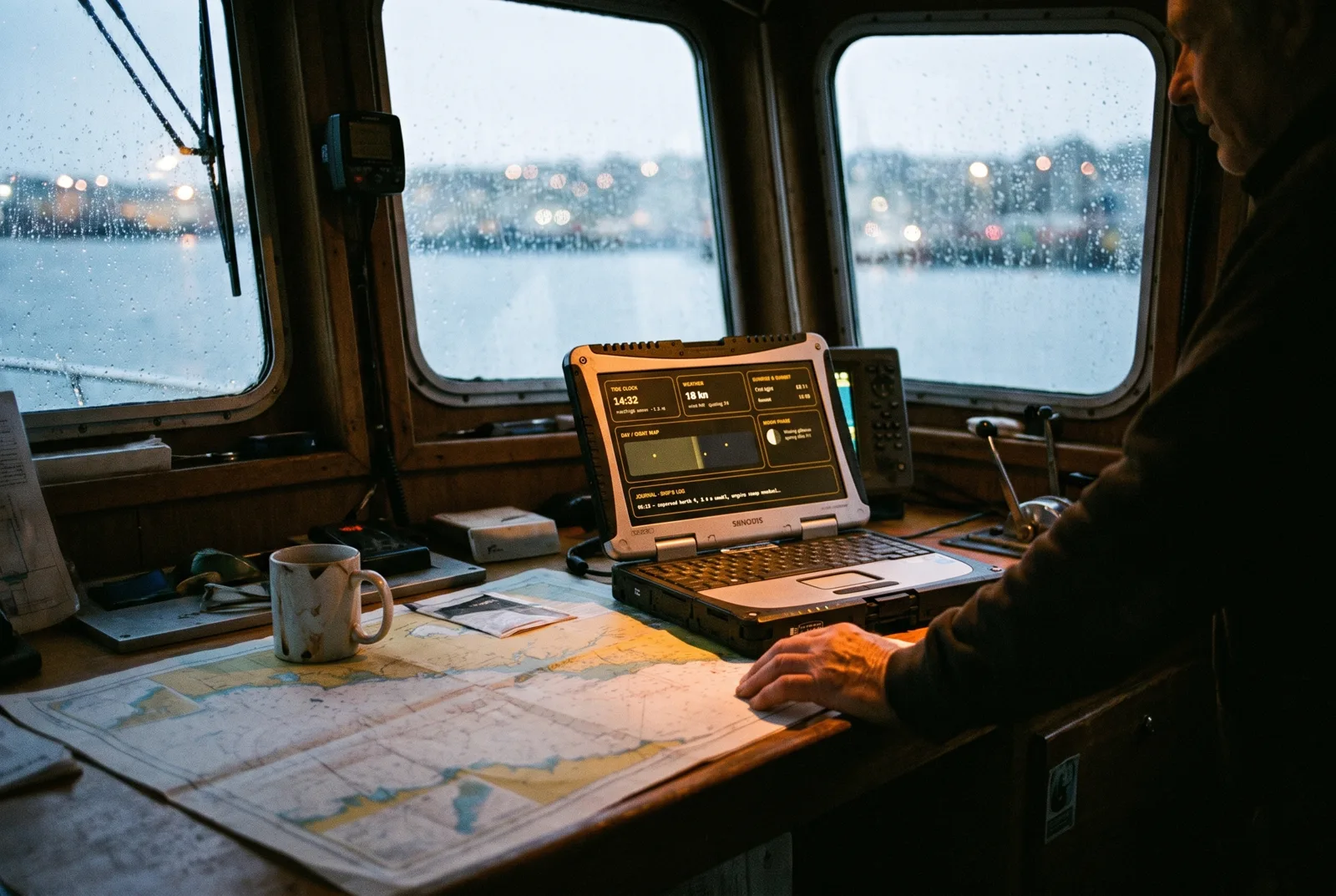
Tide, wind, light and moon: the four numbers every passage plan starts with, on one screen that works offline once it's fetched. The Day/Night Map shows where the sun is right now across your route, and the Journal is a ship's log that never runs out of pages.
Workflow idea: Widget value trigger: wind speed climbs past 25 kn → modal alert with a sound you will not sleep through.
The rack, without the SSH
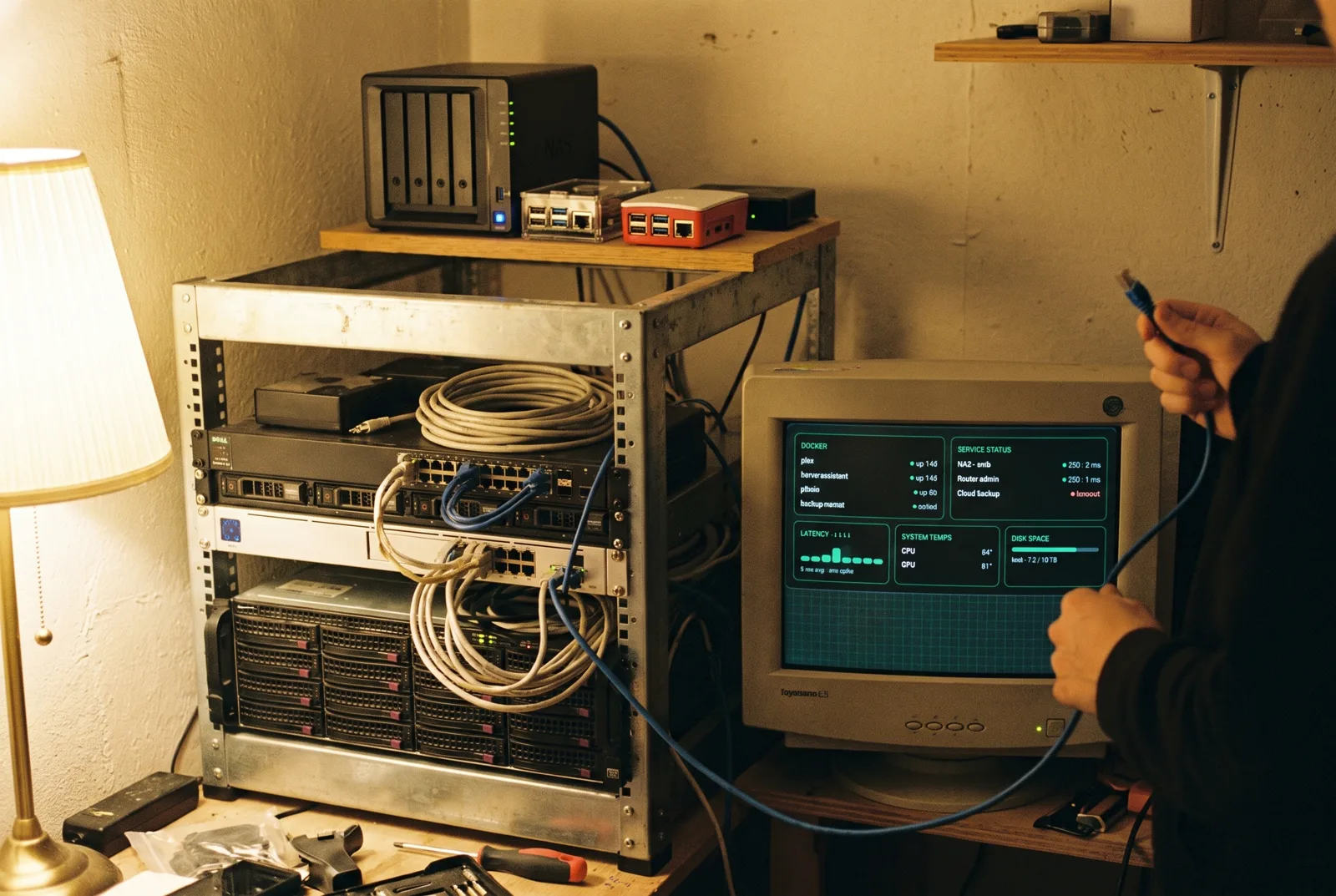
Every container, every service, every disk: green dots when all is well, and impossible to miss when it is not. Latency history catches the ISP lying about that outage, and the temps tile catches the GPU fan that quietly died in July.
Workflow idea: Ping fails → streak counter reaches 3 in a row → toast + webhook POST to your phone. No more finding out from the family that Plex is down.
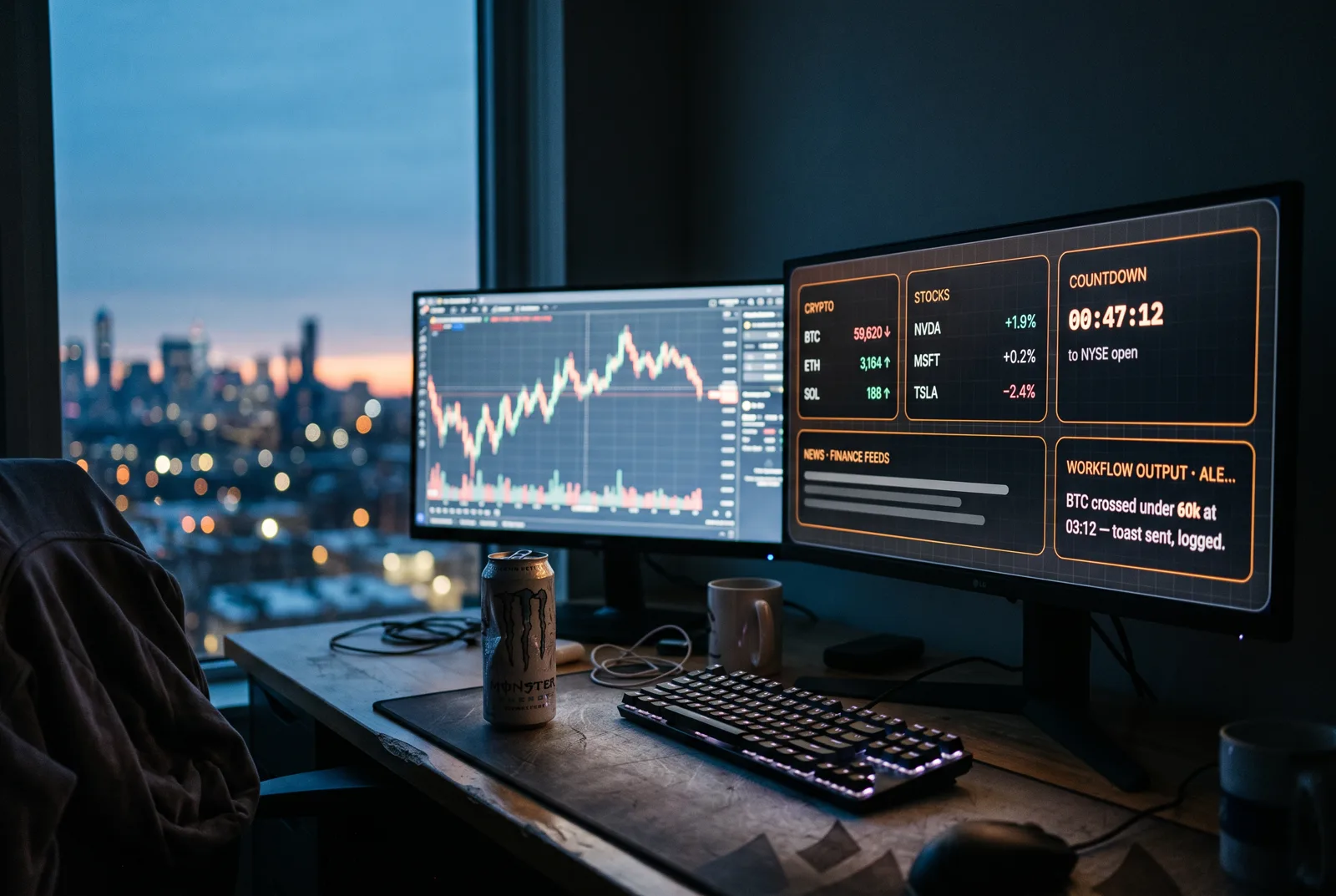
Tickers without the tab zoo
Crypto around the clock, stocks at the bell, headlines in between, pinned to the desktop instead of spread across six tabs that eat a browser. The countdown keeps the open honest, and price alerts fire whether the dashboard is visible or sitting in the tray.
Workflow idea: Widget value trigger: BTC drops under your line → notify with sound, log it to an output tile, and POST your trading bot a webhook.
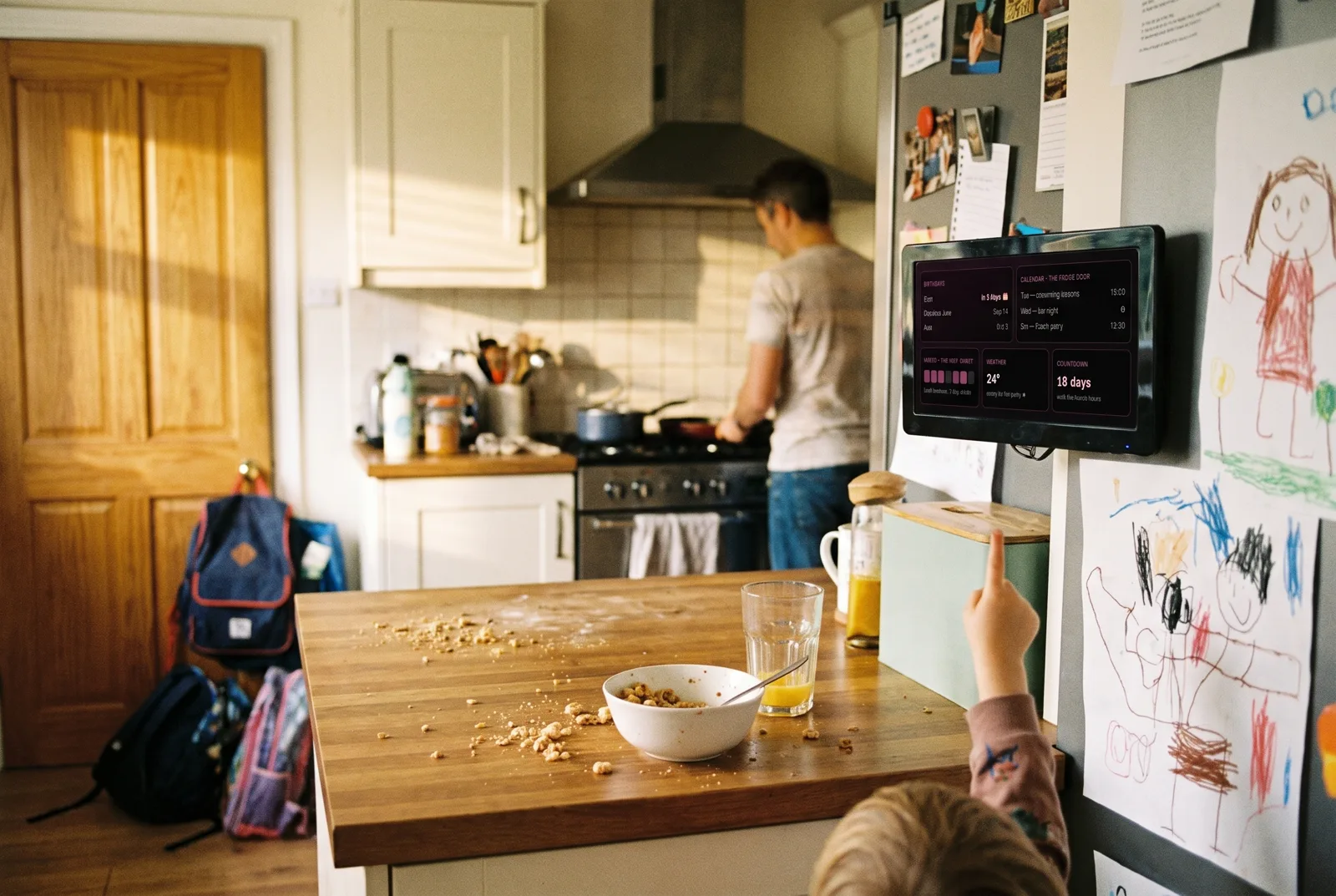
The fridge door, upgraded
Birthdays that never sneak up again, the week's fixtures, whose turn it is, and how long until the holiday. Runs on the kitchen PC with big readable text (one A/A control scales every widget), and nobody has to ask what day swimming is anymore.
Workflow idea: Birthday coming up in 3 days → reminder toast to buy a gift, which is exactly how Cam's birthday stops being a surprise.
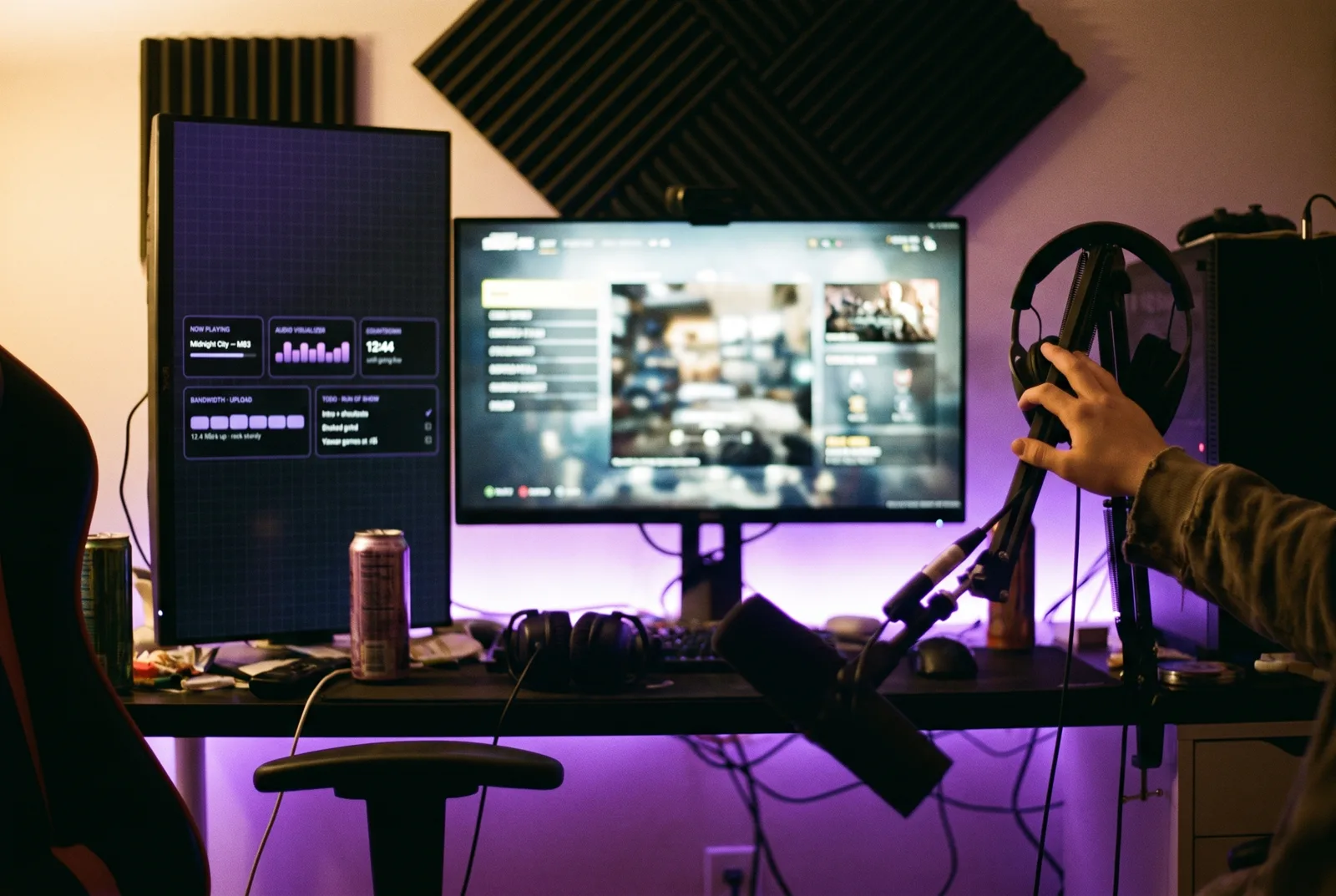
Mission control for going live
The half-hour before a stream is a checklist sprint: is the upload solid, what's the run of show, how long until live, is the music right. One second monitor holds all of it: the visualizer doubles as a vibe check, and the countdown keeps the pre-show honest without a phone timer.
Workflow idea: Global hotkey before going live → ping the ingest server → upload speed below your line? modal alert before your viewers find out for you.
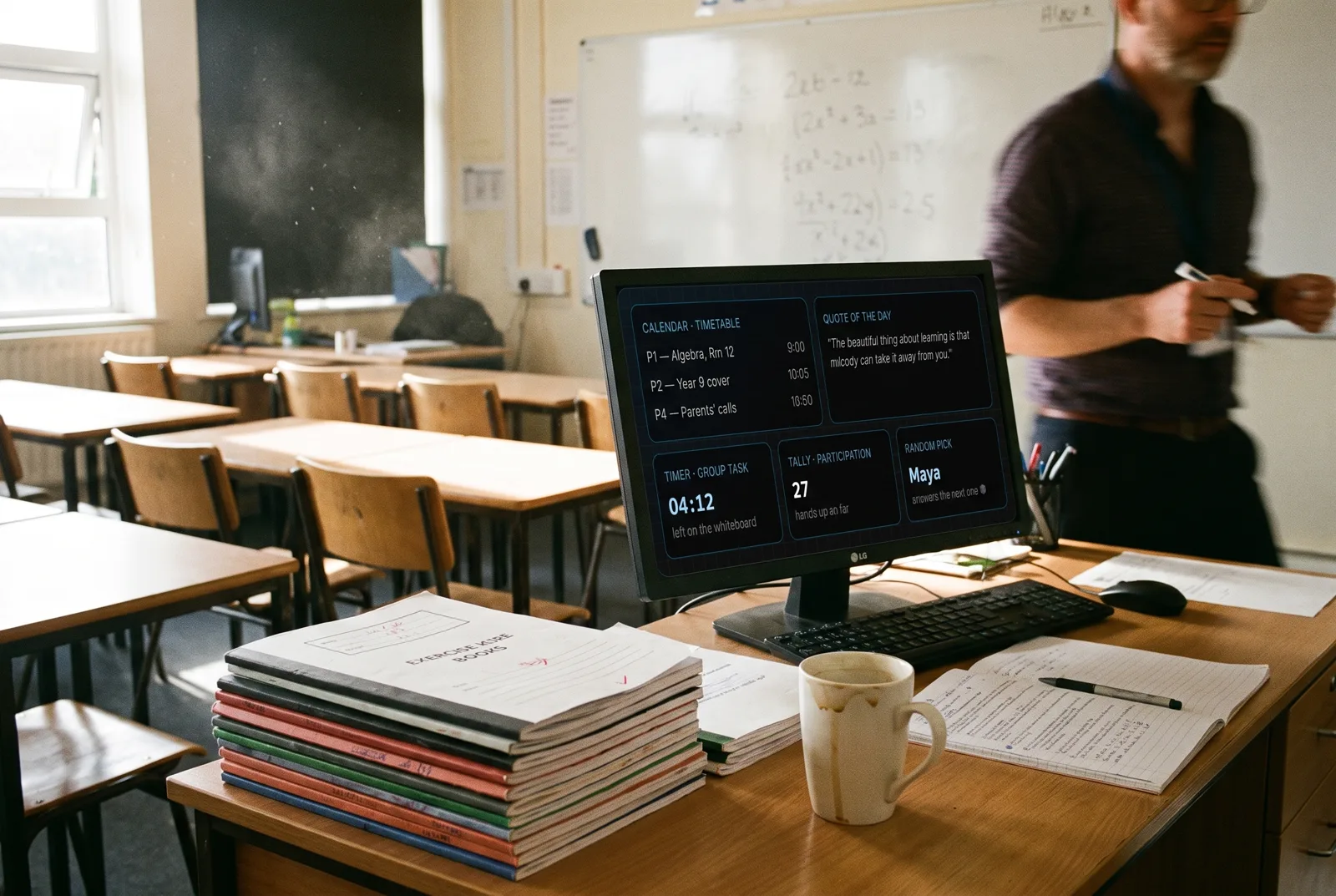
The classroom co-pilot
Projected or on the desk: today's timetable, a big visible timer for group work, a tally for participation points, and a random name picker no one can argue with. The countdown to half-term is for the teacher, not the kids, though the kids watch it too.
Workflow idea: Every weekday at 8:25 → read the timetable → toast the day's first three periods before the bell, with cover lessons highlighted.
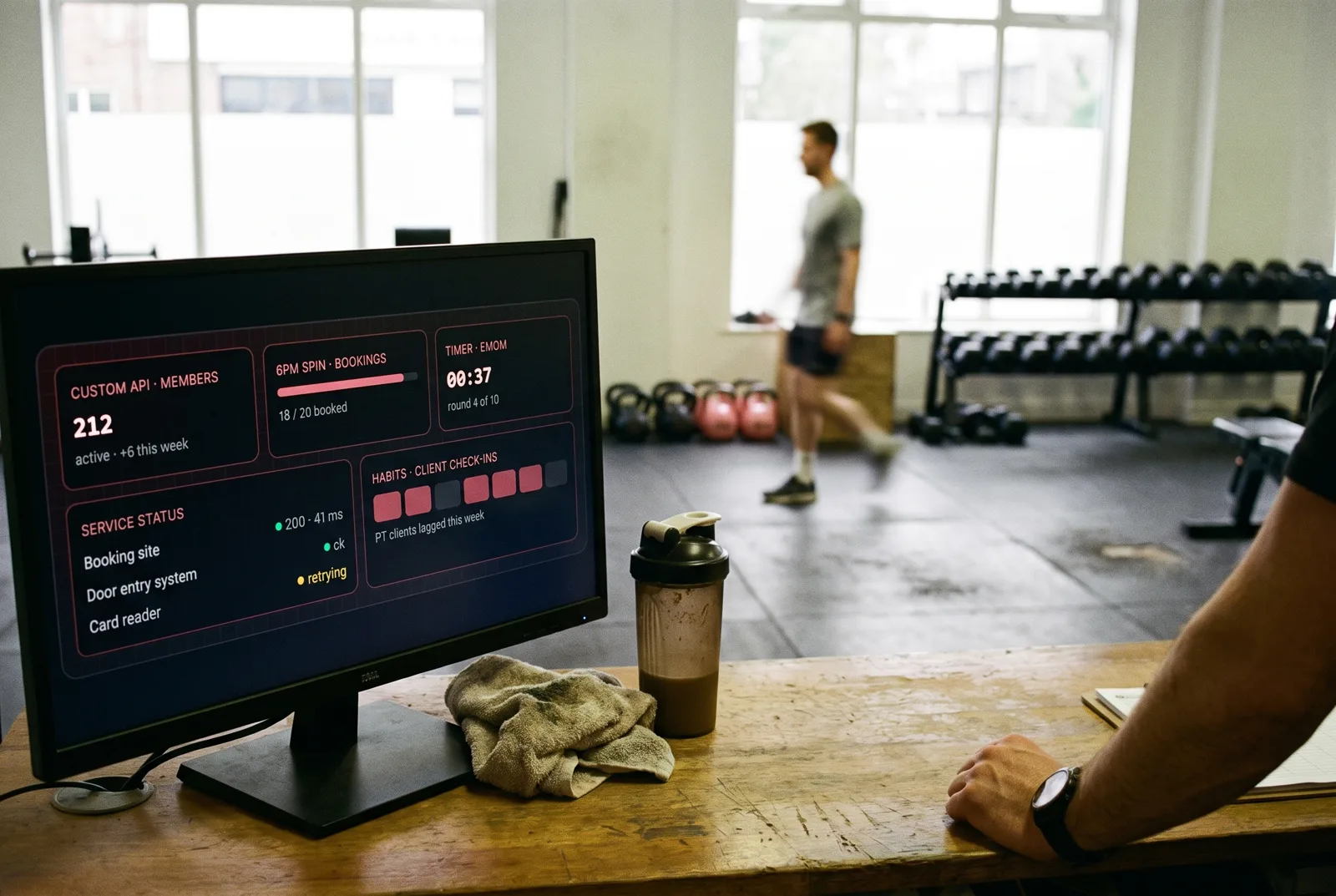
Front desk, floor and books
Member count straight from the booking system's API, tonight's classes filling up in real time, an interval timer big enough to read mid-burpee, and a quiet eye on the booking site, because the first you should hear about it being down is not an empty 6pm class.
Workflow idea: Widget value trigger: tonight's class passes 90% booked → toast to open a second slot, and POST the waitlist a webhook.
Your desk is the tenth
Start from a template, add the widgets that match your day, and let a workflow or two run the boring parts. Free, no account, everything stays on your PC.