8GadgetPack vs Paul’s Dashboard.
8GadgetPack brings the Windows 7 desktop gadgets back to Windows 10 and 11, and plenty of people love it for exactly that. Paul’s Dashboard is a newer take on the same idea: 100 widgets on your desktop, built today rather than restored. Here is the difference, including what 8GadgetPack does better.
Free · Windows 10 and 11 · No account required

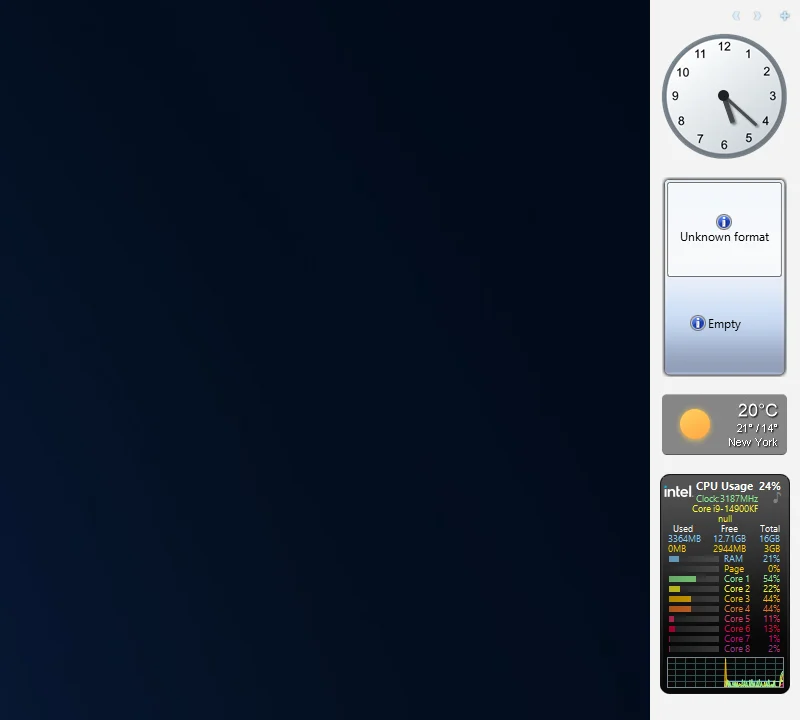
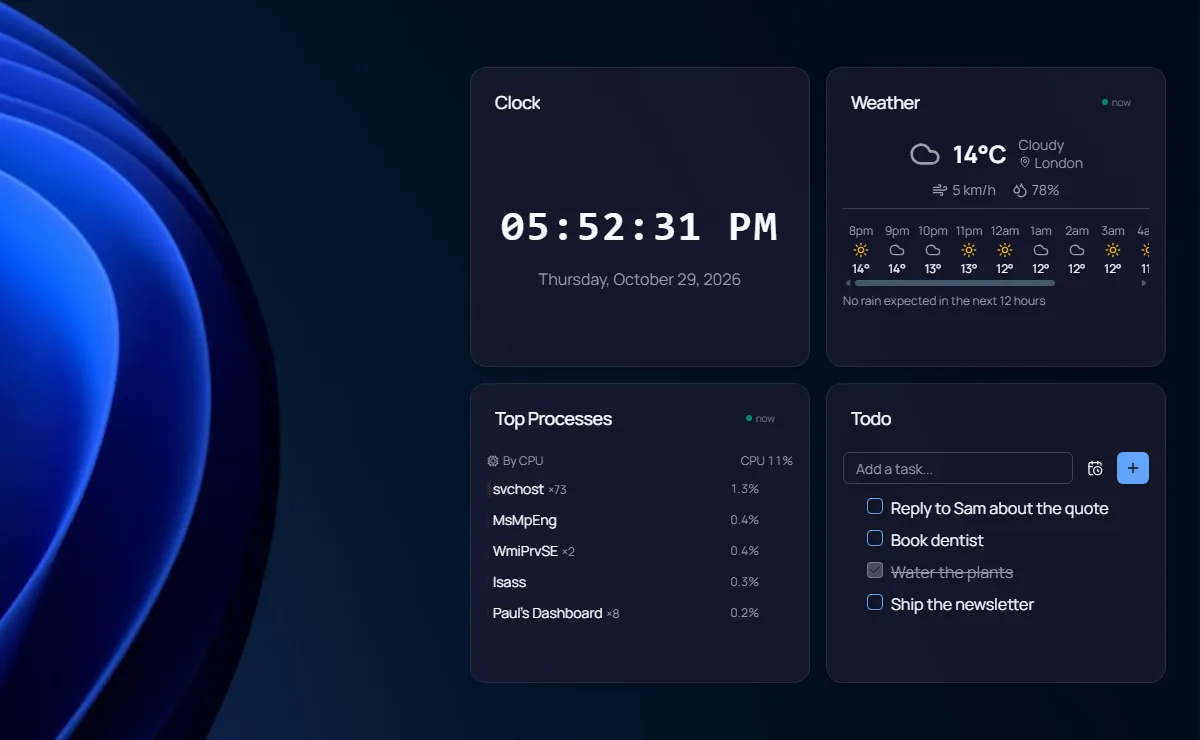
Screenshots we took of both apps on Windows 11, October 2026.
Which one is for you?
Get 8GadgetPack when
- You want the Windows 7 gadgets exactly as they were
- You have favourite old .gadget files you still use
- A 23 MB download and a light footprint matter most
- You want the classic sidebar look
Get Paul’s Dashboard when
- You would rather not run the gadget platform Microsoft retired for security
- You want widgets built for today’s services, not ones whose data feeds may have gone away
- You want themes, fonts and per-widget styling instead of each gadget’s own look
- You want todos, timers, Docker, live data and notifications
- You want widgets that keep getting new features
The whole comparison
Both columns written by the Paul’s Dashboard side, so read the left one as the steelman: where 8GadgetPack is better, it says so. Facts about 8GadgetPack checked October 2026.
| Axis | 8GadgetPack | Paul’s Dashboard |
|---|---|---|
| Price | Free | Free · no account, no subscription |
| What it is | The Windows 7 gadget platform reinstalled, with 46 gadgets and the 7 Sidebar | A widget app of its own: 100 widgets built for it |
| Safety | Microsoft retired gadgets in 2012 (Security Advisory 2719662): a malicious gadget can run code with your rights, and no patch was released, only a tool to turn gadgets off | Signed installer; Web Page tiles are sandboxed; secrets in an encrypted store |
| On the desktop | Yes, gadgets sit on the desktop as in Windows 7 | Desktop widgets on your wallpaper, or a window, always on top, or a slide-out dock |
| The catalogue | 46 gadgets included, plus years of community .gadget files | 100 built-in widgets, one design language |
| Styling | Up to each gadget | 20 themes, any Google Font, per-widget overrides |
| Live data | Each gadget fetches its own; older gadgets may depend on services that no longer exist | 18 services with 65 ready views, plus custom REST |
| Notifications | None built in | Native Windows toasts, with quiet hours |
| Download size | About 23 MB | Larger (it is an Electron app) |
| Updates | Still maintained (version 43, September 2026) | Regular releases with an in-app updater |
Restored, and rebuilt
8GadgetPack does one thing and does it faithfully: it puts back the gadget platform from Windows 7, with the sidebar and dozens of gadgets, and it is still maintained in 2026. If those gadgets are what you miss, nothing else will feel quite as right.
The catch is the platform itself. Microsoft removed gadgets in 2012 after finding that a gadget could run code with your account’s rights, and it never patched that: its fix was to switch gadgets off. 8GadgetPack brings that platform back, so how safe it is depends on every gadget you install. Many classic gadgets also fetched data from services that have since changed or closed.
Paul’s Dashboard is the same idea built fresh: 100 widgets that sit on your desktop, styled together by a theme, with live data, workflows and native notifications. It is bigger than 8GadgetPack and uses more memory. What you get for that is widgets built for today, and still getting new features.
8GadgetPack questions, answered straight
Is 8GadgetPack safe?
It restores the Windows 7 gadget platform, which Microsoft retired in 2012 because a gadget could run code with your rights (Security Advisory 2719662). The risk depends on which gadgets you run and where they came from. Paul’s Dashboard does not use that platform.
Can Paul’s Dashboard run .gadget files?
No. It has its own 100 widgets, and old gadgets do not transfer. Most classic gadgets (clock, weather, CPU meter, calendar, notes, slideshow) have a widget here that does the same job.
Is there a sidebar like Windows 7?
Yes, in spirit: the dock slides out from a screen edge with your widgets in it, or Desktop widgets puts them straight on the wallpaper.
Are both free?
Yes. Both are free, and neither needs an account.
Weighing something else?
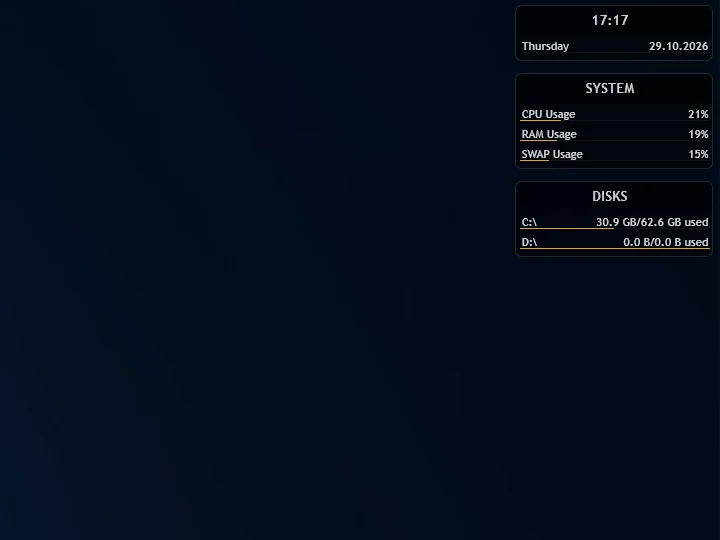
Rainmeter vs Paul’s Dashboard
The skin engine: infinite control, and you build it in .ini files.
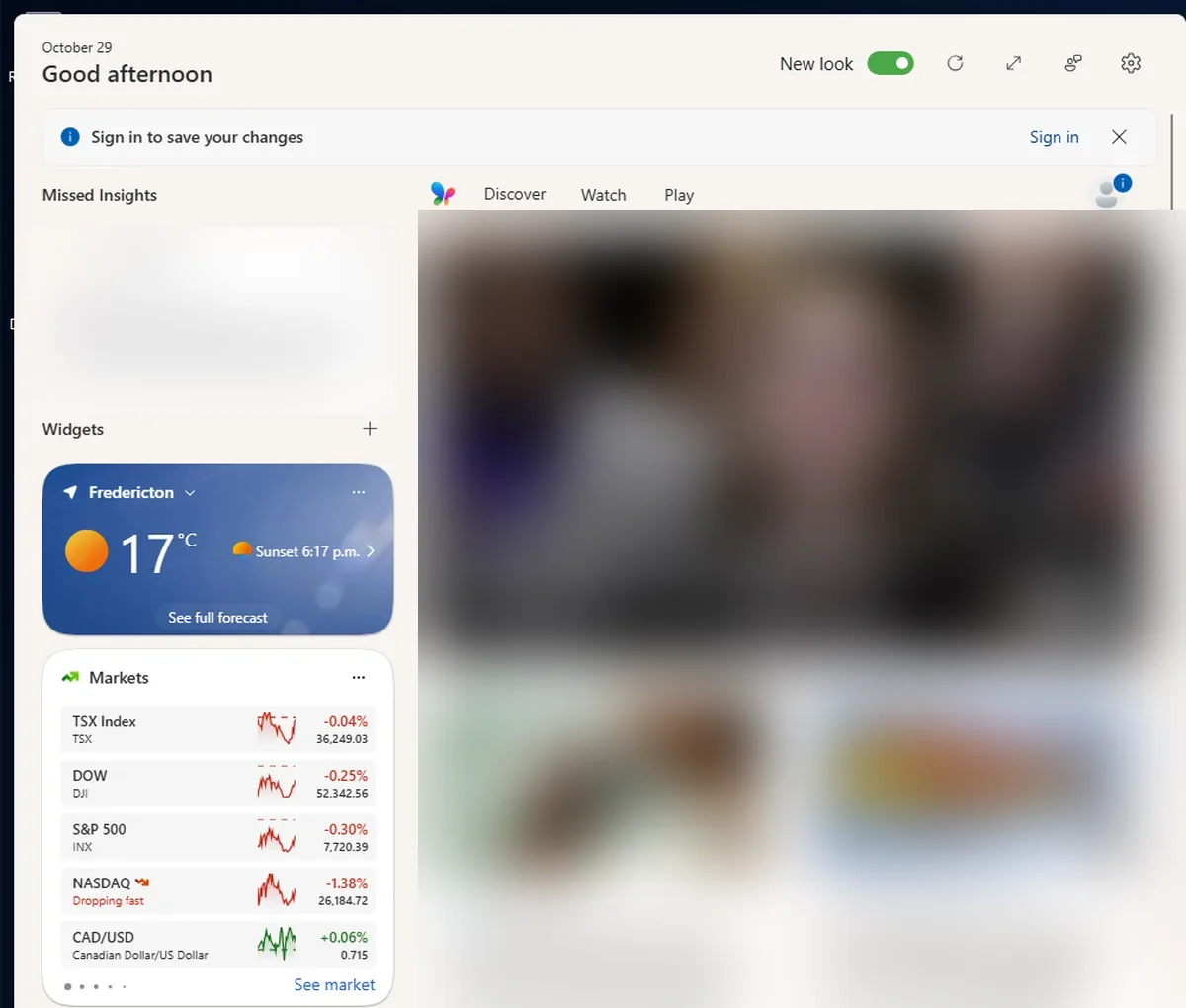
Windows 11 Widgets vs Paul’s Dashboard
The built-in Win+W board: nothing to install, but it lives in a fly-out, not on your desktop.
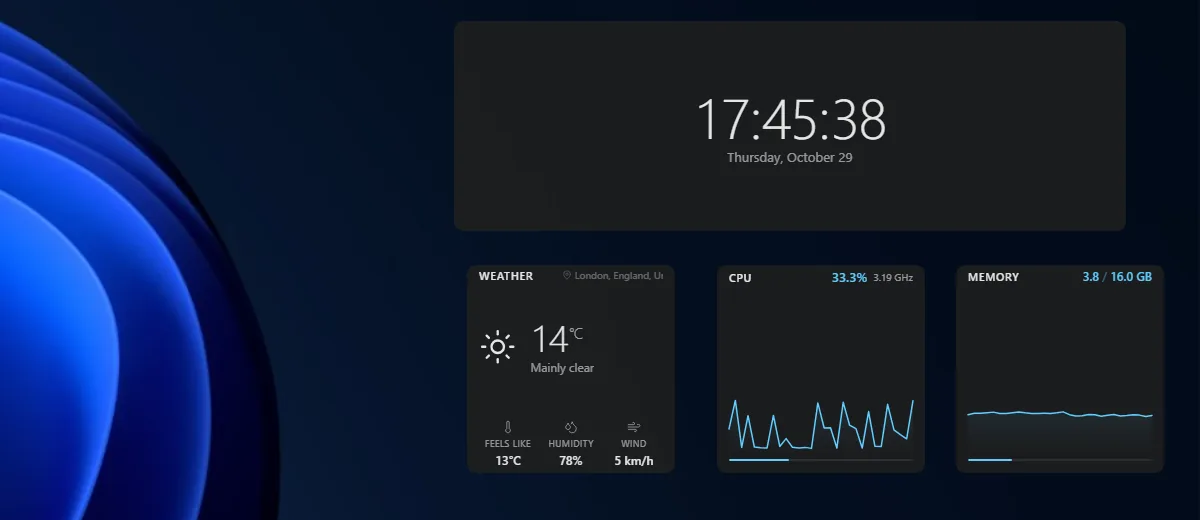
Themia vs Paul’s Dashboard
A polished, newer widget app with email and calendar accounts; a free tier, $19 for Pro.
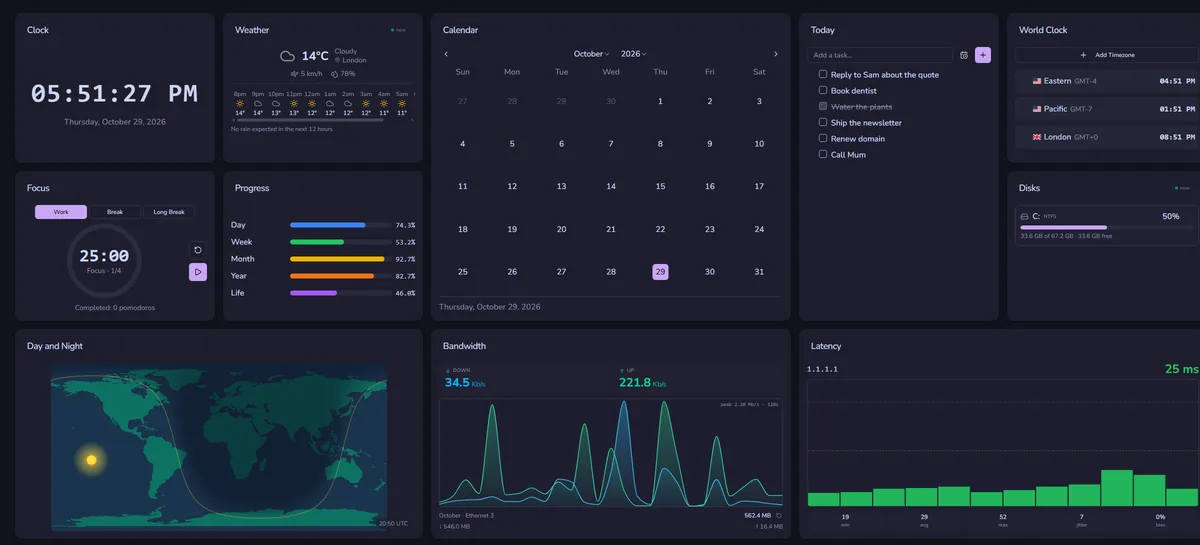
DeskDash vs Paul’s Dashboard
A paid wallpaper dashboard with a widget marketplace and SDK.
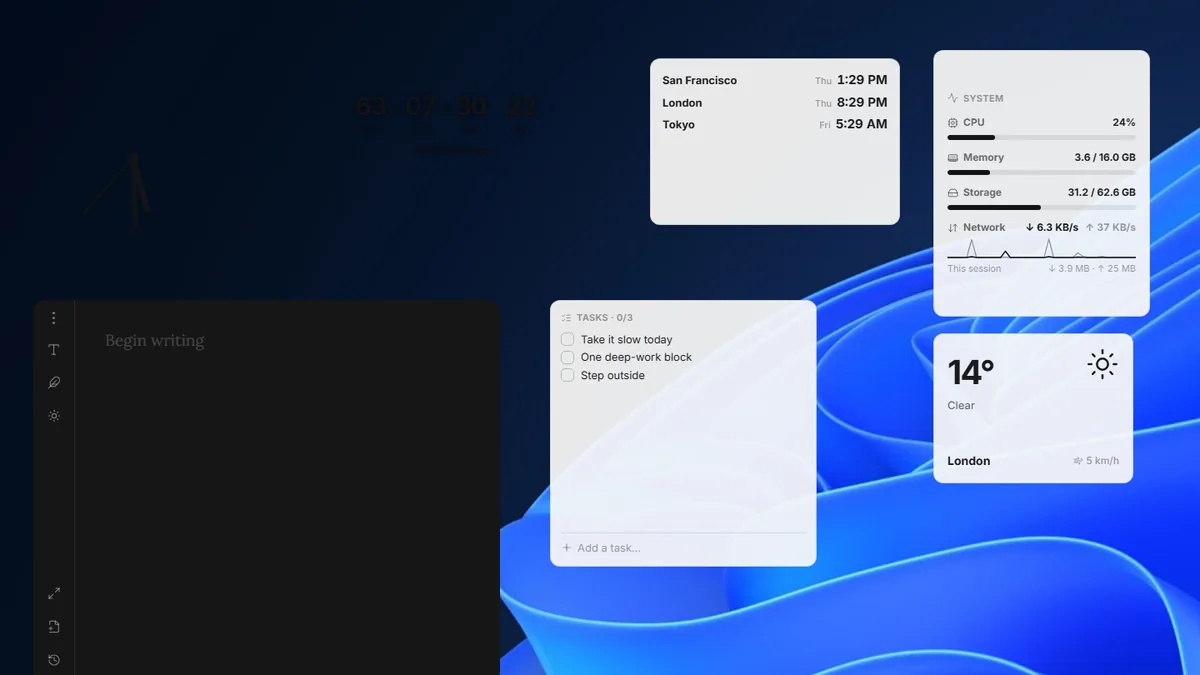
Layer vs Paul’s Dashboard
A small, free, open-source widget canvas with handy desktop tools.
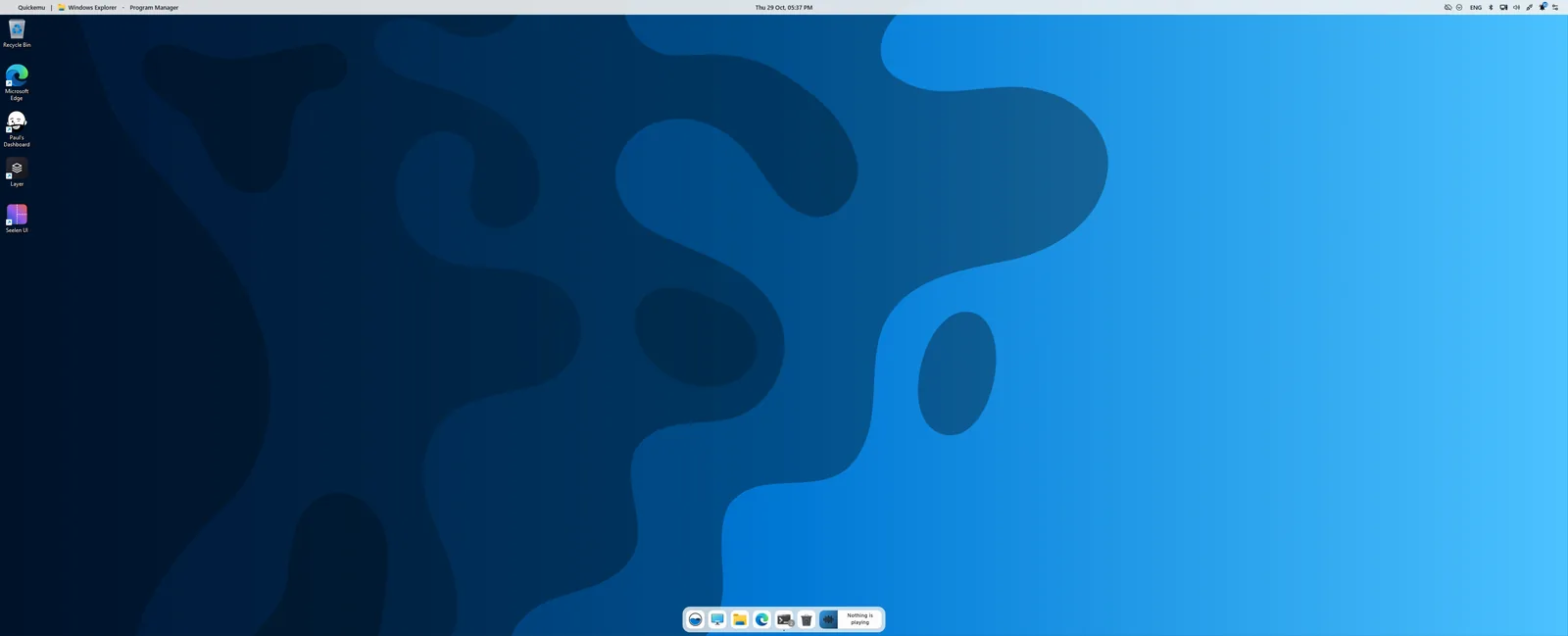
Seelen UI vs Paul’s Dashboard
A whole desktop environment: tiling, a new taskbar and launcher. Pairs with widgets more than it competes.
Gadgets, rebuilt for today
One installer, 100 widgets, 20 themes. Keep 8GadgetPack if you love it; try this alongside it.
Download for Windows