Themia vs Paul’s Dashboard.
Themia and Paul’s Dashboard both put a board of widgets on your Windows desktop. Themia leans into your accounts: email, calendar, contacts and GitHub, with a free tier and a $19 Pro. Paul’s Dashboard is free with 100 widgets and leans into live data and automation. Here is the difference, including what Themia does better.
Free · Windows 10 and 11 · No account required

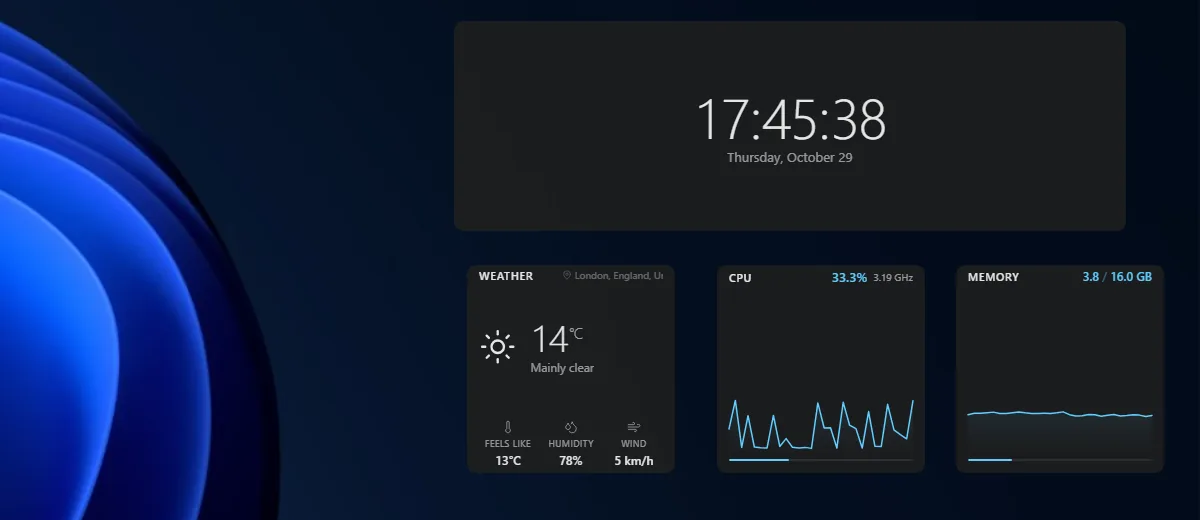
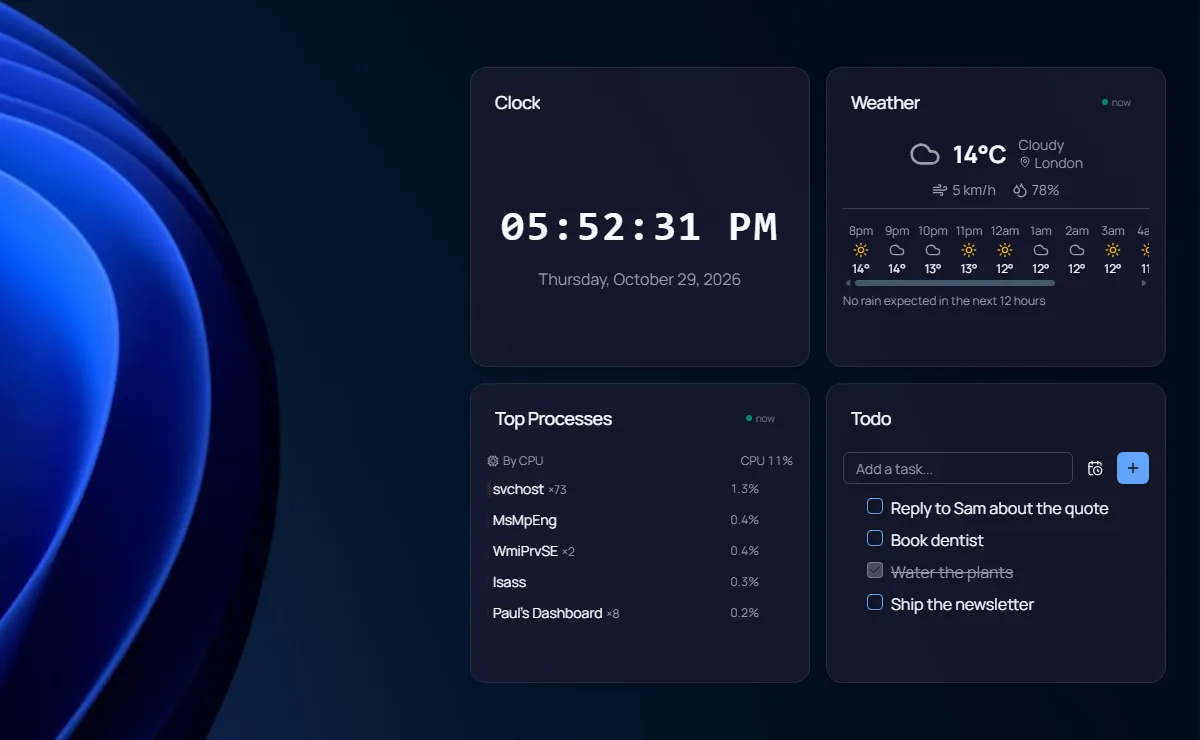
Screenshots we took of both apps on Windows 11, October 2026.
Which one is for you?
Get Themia when
- You want your email inbox on the desktop (Gmail, Outlook, IMAP)
- You want calendar and contacts synced through your Google or Microsoft account, or CalDAV
- You want the app in your own language (11 of them)
- A smaller app built on Tauri matters to you
- You live in GitHub issues and review requests
Get Paul’s Dashboard when
- You want 100 widgets with no cap, free
- You want live data from 18 services or any REST API
- You want workflows: schedules, hotkeys, webhooks and clipboard triggers
- You want native notifications from your widgets, with quiet hours
- You want optional AI, IT policy controls, encrypted backups and a secrets vault
The whole comparison
Both columns written by the Paul’s Dashboard side, so read the left one as the steelman: where Themia is better, it says so. Facts about Themia checked October 2026.
| Axis | Themia | Paul’s Dashboard |
|---|---|---|
| Price | A free tier (its site says 10 widgets; version 0.15.1 stopped us at 6); Pro $19 one time for up to 5 devices; Teams by quote | Free · no account, no subscription, no limits |
| On the desktop | Widgets on the desktop, with a game mode for fullscreen apps | Desktop widgets on your wallpaper, or a window, always on top, or a slide-out dock |
| The catalogue | 50 widgets in 6 groups | 100 built-in widgets |
| Accounts | Email (Gmail, Outlook, IMAP), calendar (Google, Microsoft, CalDAV), contacts, To Do, OneDrive, GitHub | Calendar by iCal link (Google, Outlook, iCloud), GitHub and more through Live Data; no email widget |
| Live data | Weather, stocks, RSS, GitHub and its account widgets | 18 services with 65 ready views, plus custom REST · keys in an encrypted store |
| Styling | Design presets, colours, corners, spacing, transparency; follows Windows colours | 20 themes, any Google Font, per-widget overrides, the Windows accent colour if you like |
| Automation | None found | Workflows: schedules, hotkeys, webhooks, clipboard triggers |
| Notifications | Pomodoro alerts | Native Windows toasts from any widget, with quiet hours |
| AI | A widget that tracks your Claude usage | Optional and off by default · local via Ollama, or your own key |
| Languages | 11 languages | English only |
| Built with | Tauri (smaller and lighter) | Electron (heavier) |
Your accounts, and your data
Themia is a young, well-made app that knows exactly who it is for: someone who wants their inbox, calendar and to-dos from Google or Microsoft sitting on the desktop. Its account widgets go further than ours do: a real email inbox, two-way calendar and contacts, and GitHub review requests. It also speaks eleven languages, which Paul’s Dashboard does not.
Paul’s Dashboard goes wider instead. 100 widgets, all free with no cap, live data from 18 services or any REST endpoint you point it at, and workflows that run on schedules, hotkeys and webhooks whether the window is open or not. Any widget can raise a native Windows notification.
If your day runs through Gmail or Outlook and you want it on the desktop, Themia is the better fit, and its free tier lets you find out. If you want a bigger board that also does things on its own, start here.
Themia questions, answered straight
Is Themia free?
It has a free tier: its site says 10 widgets and 2 screens, and in our test of version 0.15.1 it stopped at 6 widgets. Pro is $19 one time and lifts the limits. Paul’s Dashboard is free with no limits and no paid tier.
Does Paul’s Dashboard have an email widget?
Not yet. Themia does, for Gmail, Outlook and IMAP. Paul’s Dashboard shows Google, Outlook and iCloud calendars by their iCal link, read-only.
Which uses less memory?
Probably Themia: it is built on Tauri, which is usually lighter than Electron, the framework Paul’s Dashboard uses. Neither publishes measurements.
Can I run both?
Yes. They are separate apps and both sit on the desktop; just give them different corners.
Weighing something else?
Rainmeter vs Paul’s Dashboard
The skin engine: infinite control, and you build it in .ini files.
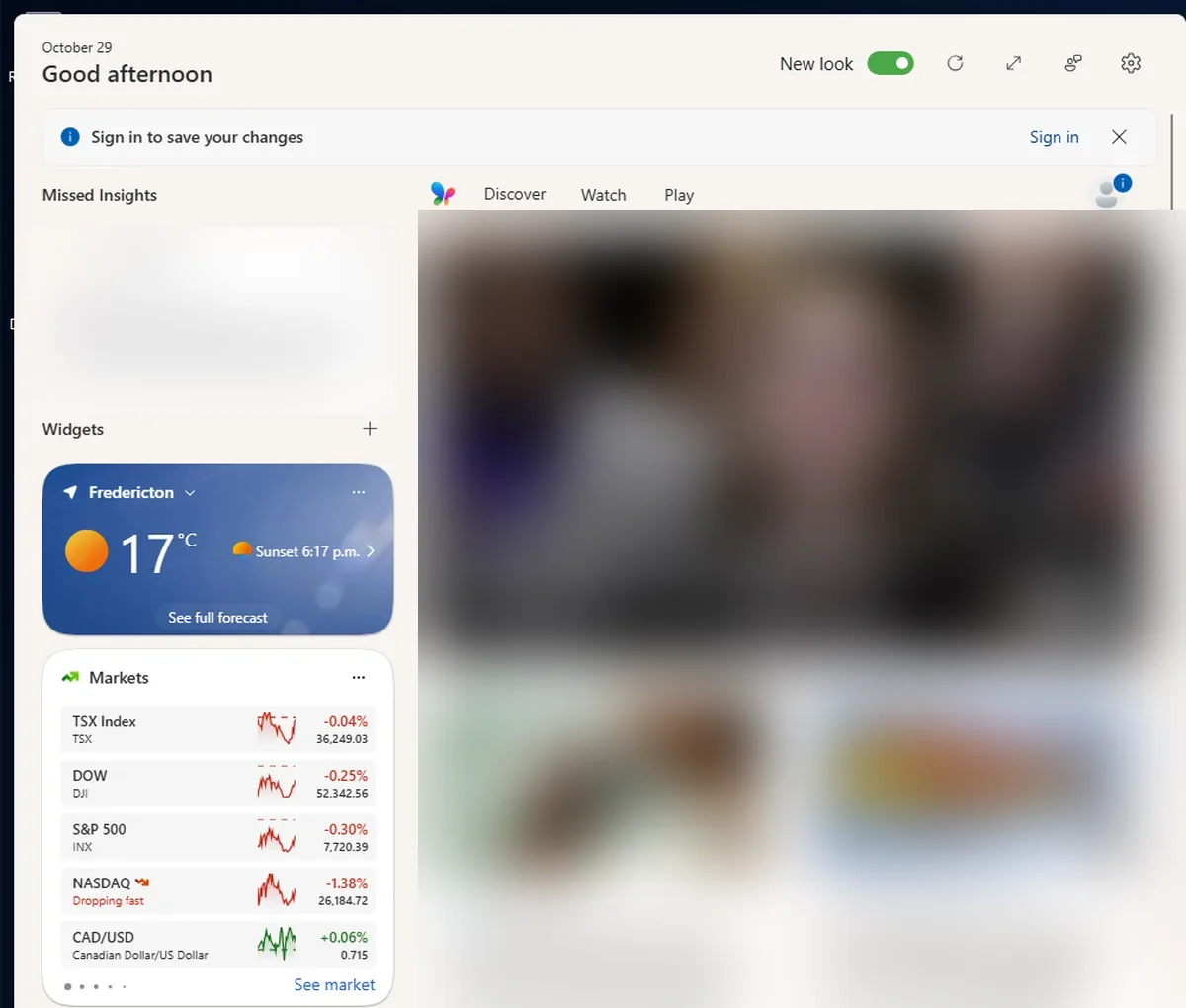
Windows 11 Widgets vs Paul’s Dashboard
The built-in Win+W board: nothing to install, but it lives in a fly-out, not on your desktop.
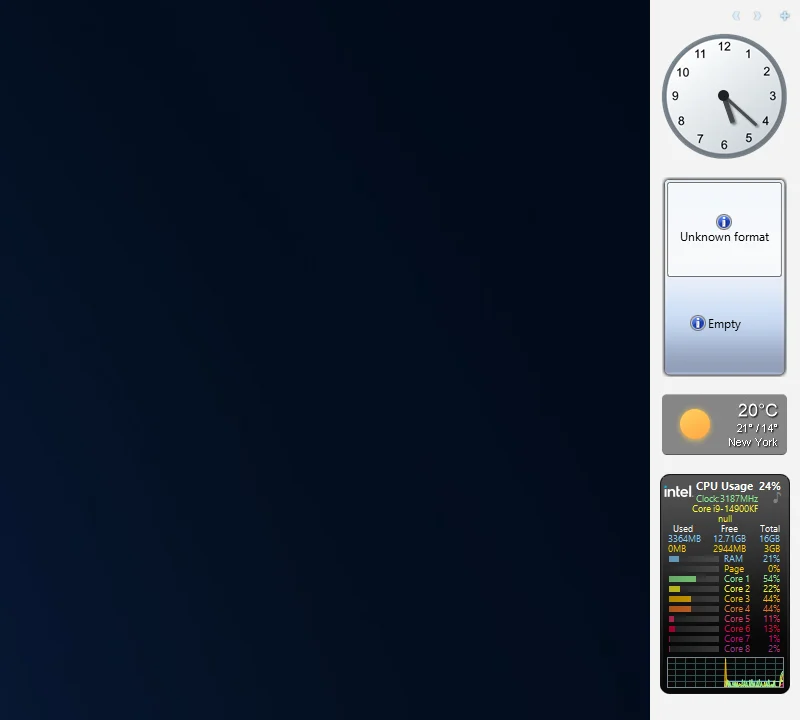
8GadgetPack vs Paul’s Dashboard
The Windows 7 gadgets brought back: familiar and tiny, on a platform Microsoft retired for security.
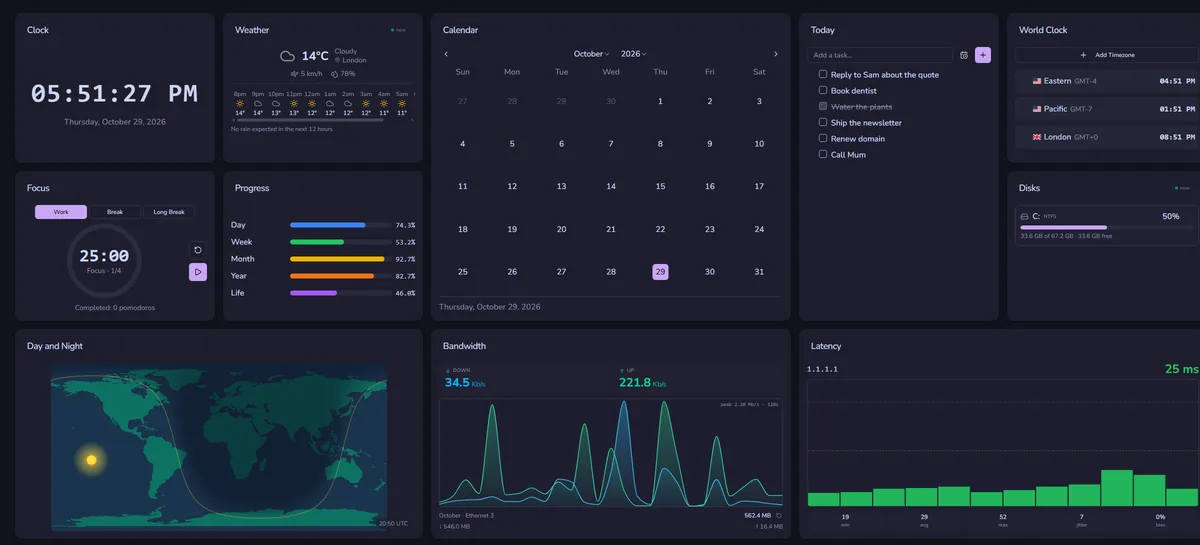
DeskDash vs Paul’s Dashboard
A paid wallpaper dashboard with a widget marketplace and SDK.
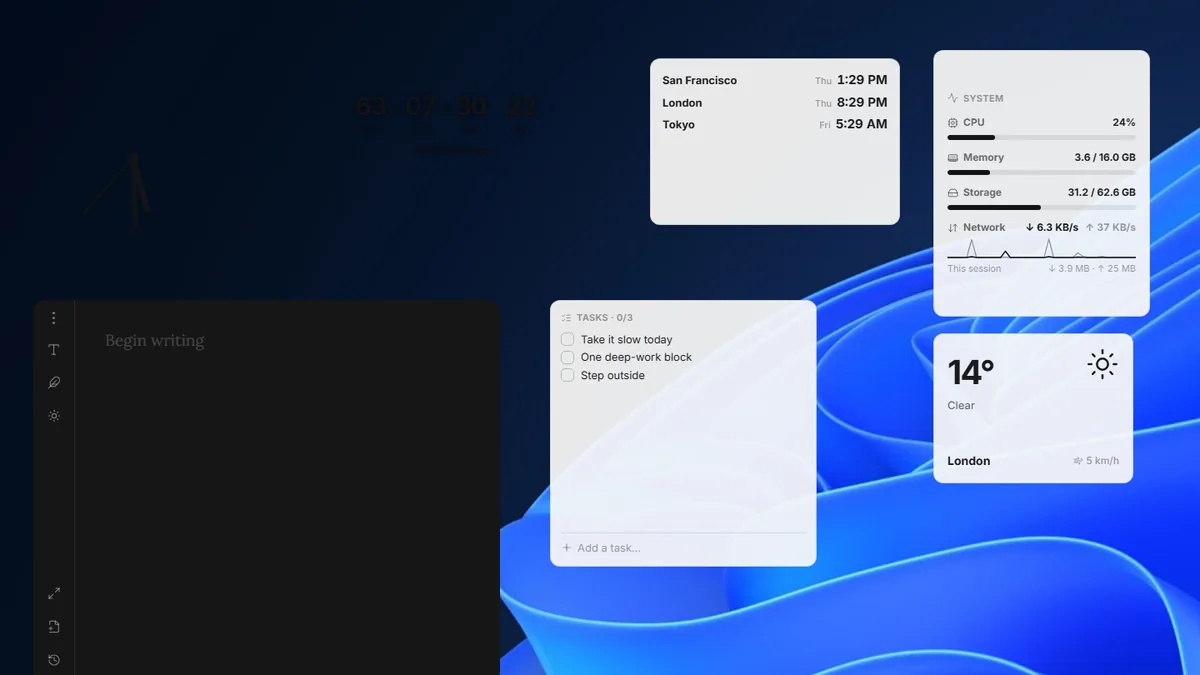
Layer vs Paul’s Dashboard
A small, free, open-source widget canvas with handy desktop tools.
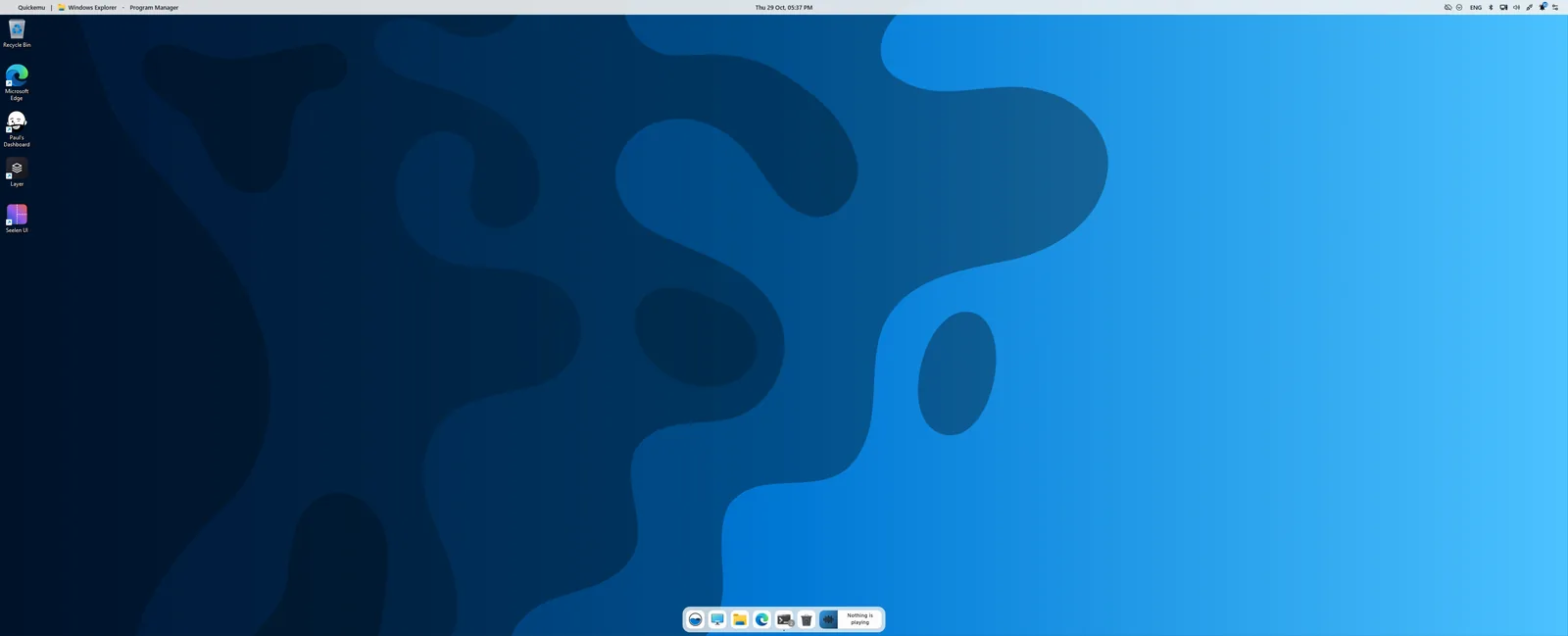
Seelen UI vs Paul’s Dashboard
A whole desktop environment: tiling, a new taskbar and launcher. Pairs with widgets more than it competes.
A hundred widgets, no tier
One installer, 100 widgets, 20 themes, and nothing to unlock.
Download for Windows