DeskDash vs Paul’s Dashboard.
DeskDash and Paul’s Dashboard both turn your wallpaper into a live board of widgets behind your windows. DeskDash is a paid app with a marketplace for widgets others build. Paul’s Dashboard is free with 100 widgets built in. Here is the difference, including what DeskDash does better.
Free · Windows 10 and 11 · No account required
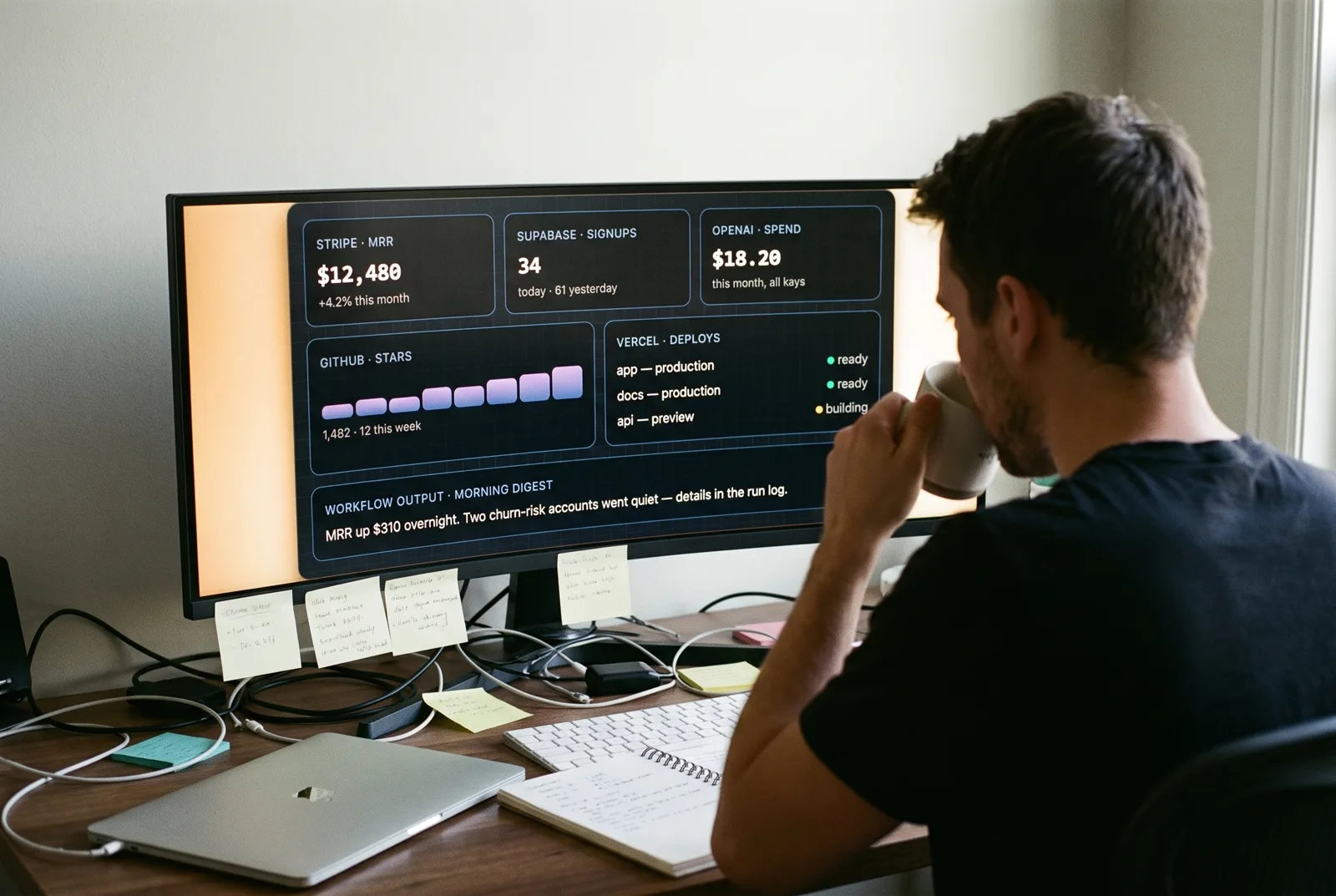
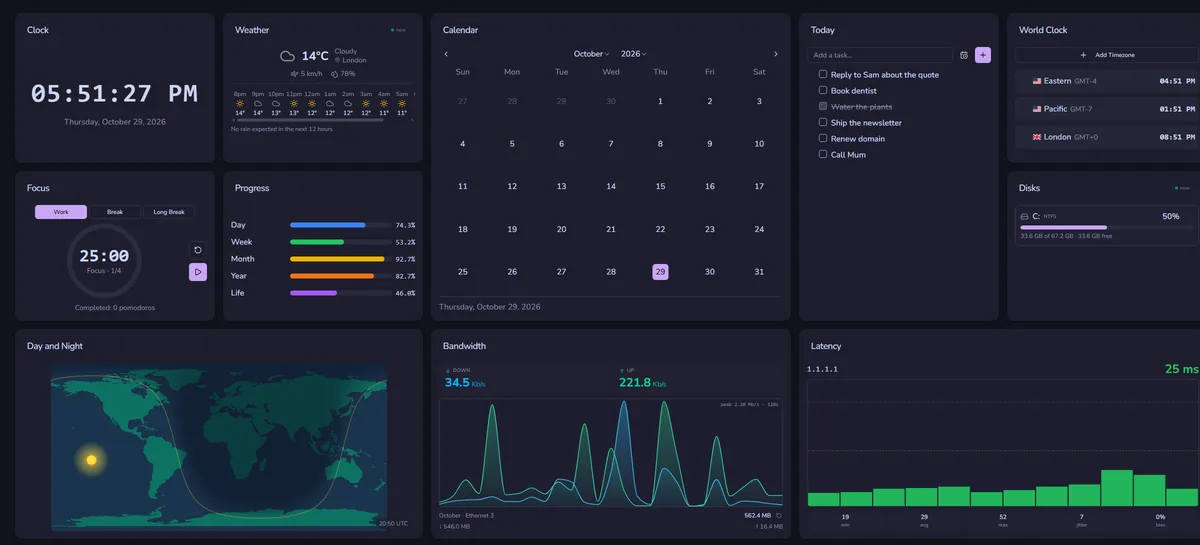
Screenshots we took of both apps on Windows 11, October 2026.
Which one is for you?
Get DeskDash when
- You want to build widgets in HTML, CSS and JS and share them
- You want a marketplace of reviewed community widgets
- You want each widget to ask for permissions before it gets them
- You want to replace the taskbar with a dock or side rail
Get Paul’s Dashboard when
- You want it free, with no licence keys or per-PC limits
- You want 100 widgets working out of the box
- You want live data from 18 services without writing a widget
- You want workflows, native notifications and optional AI
- You want IT policy controls, encrypted backups and a secrets vault
The whole comparison
Both columns written by the Paul’s Dashboard side, so read the left one as the steelman: where DeskDash is better, it says so. Facts about DeskDash checked October 2026.
| Axis | DeskDash | Paul’s Dashboard |
|---|---|---|
| Price | Paid: €12 one time on its site, per PC (keys for two included) | Free · no account, no subscription, no keys |
| On the desktop | Widgets on the wallpaper, behind your windows | Desktop widgets on your wallpaper, or a window, always on top, or a slide-out dock |
| The catalogue | Built-in widgets plus a free, reviewed marketplace | 100 built-in widgets, plus a community Layouts gallery |
| Build your own | Yes: HTML, CSS and JS widgets with no build step | Not yet: Live Data and Web Page tiles cover many custom needs |
| Sandboxing | Widgets run sandboxed and ask for each capability | Web Page tiles are sandboxed; built-in widgets are part of the app |
| Taskbar | Marketplace items can replace it | Keeps the Windows taskbar |
| Live data | Through widgets; keys in Windows Credential Manager | 18 services with 65 ready views, plus custom REST · keys in an encrypted store |
| Styling | Themes and per-widget design | 20 themes, any Google Font, per-widget overrides |
| Automation | Not its focus | Workflows: schedules, hotkeys, webhooks, clipboard triggers |
A platform, and a finished app
DeskDash is built as a platform: widgets are small web pages, anyone can write one, and a reviewed marketplace hands them out with clear permissions. If building and sharing widgets is what you want, that model is a real strength, and the per-widget permission prompts are thoughtful.
Paul’s Dashboard puts the work into the widgets themselves. 100 of them ship in the box, each with its own settings, and Live Data connects 18 services without anyone writing code. It is free, needs no key, and has features aimed at teams too: policy locks, encrypted backups and a secrets vault.
If you want to code your own widgets today, DeskDash is ahead. If you want a full board that works the minute you install it, without paying, start here.
DeskDash questions, answered straight
Is Paul’s Dashboard really free?
Yes. No price, no account, no licence key and no paid tier. Optional supporter codes only add cosmetic extras.
Can I build my own widgets?
Not as code yet. Live Data turns any REST API into a widget without code, and the Web Page tile shows any site or one part of it. DeskDash is ahead if you want to write widgets in HTML and JS.
Do both put widgets on the wallpaper?
Yes. Both can sit behind your windows on the desktop. Paul’s Dashboard can also run as a window, always on top, or as a slide-out dock.
Can I share layouts?
Yes. Paul’s Dashboard has a community Layouts gallery: share a layout and import other people’s with one click.
Weighing something else?

Rainmeter vs Paul’s Dashboard
The skin engine: infinite control, and you build it in .ini files.
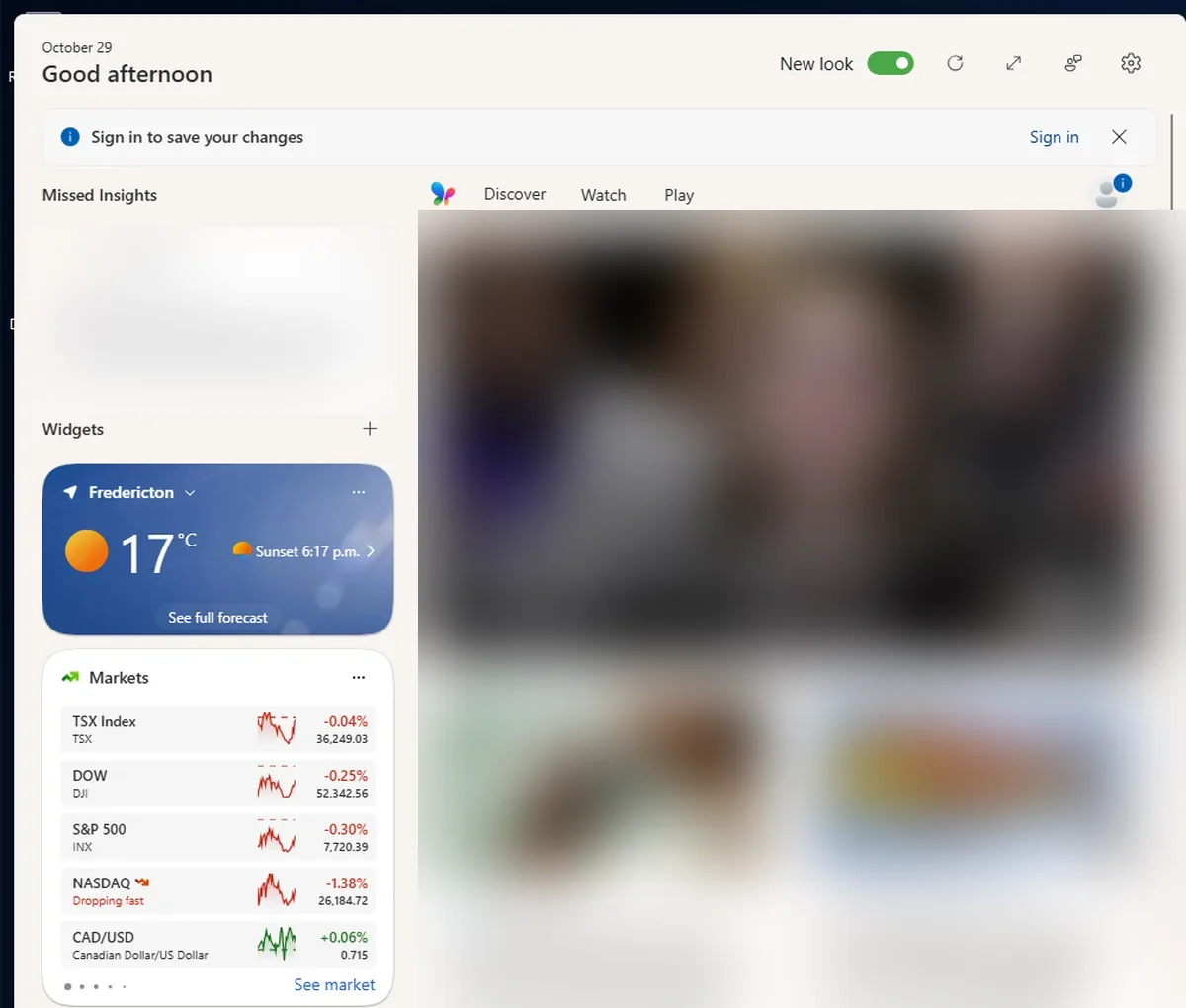
Windows 11 Widgets vs Paul’s Dashboard
The built-in Win+W board: nothing to install, but it lives in a fly-out, not on your desktop.
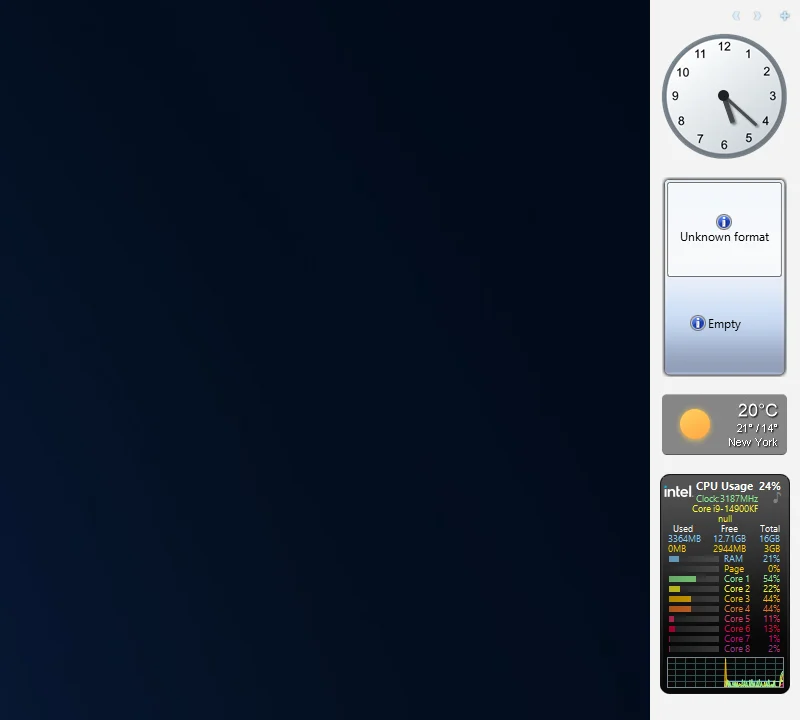
8GadgetPack vs Paul’s Dashboard
The Windows 7 gadgets brought back: familiar and tiny, on a platform Microsoft retired for security.
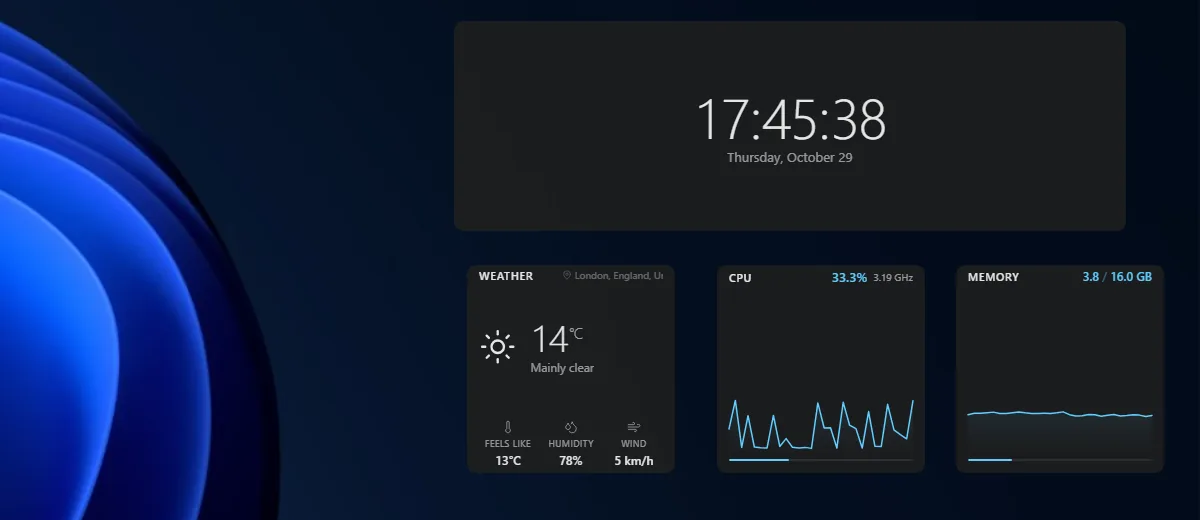
Themia vs Paul’s Dashboard
A polished, newer widget app with email and calendar accounts; a free tier, $19 for Pro.
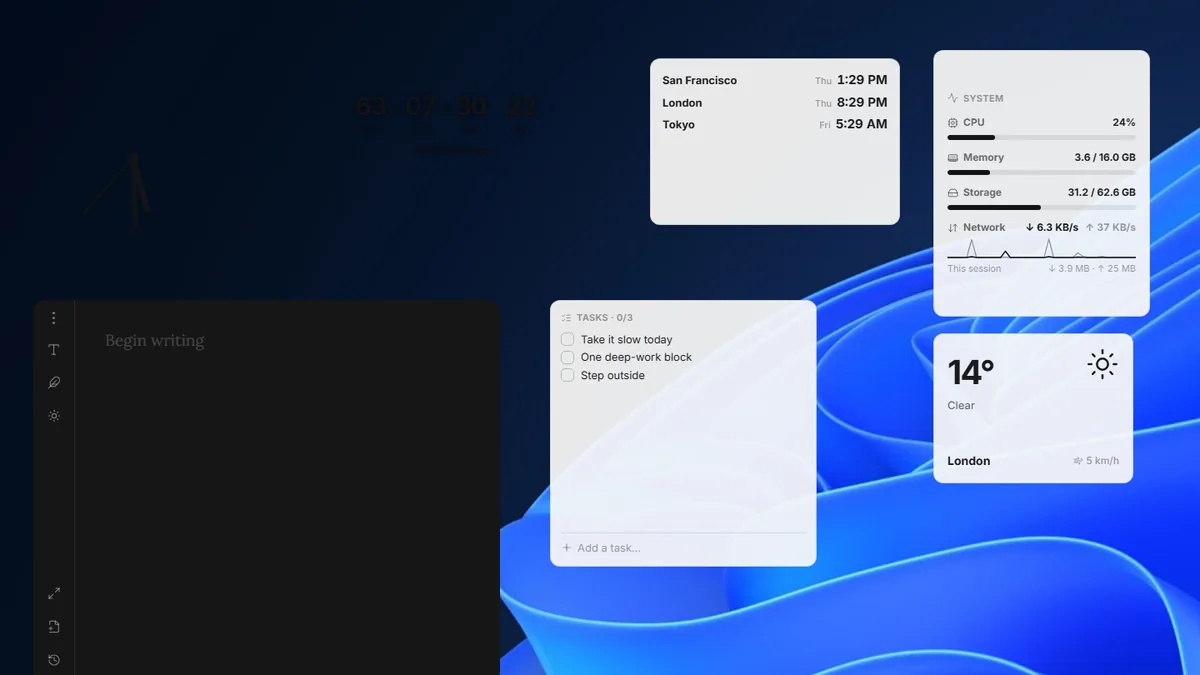
Layer vs Paul’s Dashboard
A small, free, open-source widget canvas with handy desktop tools.
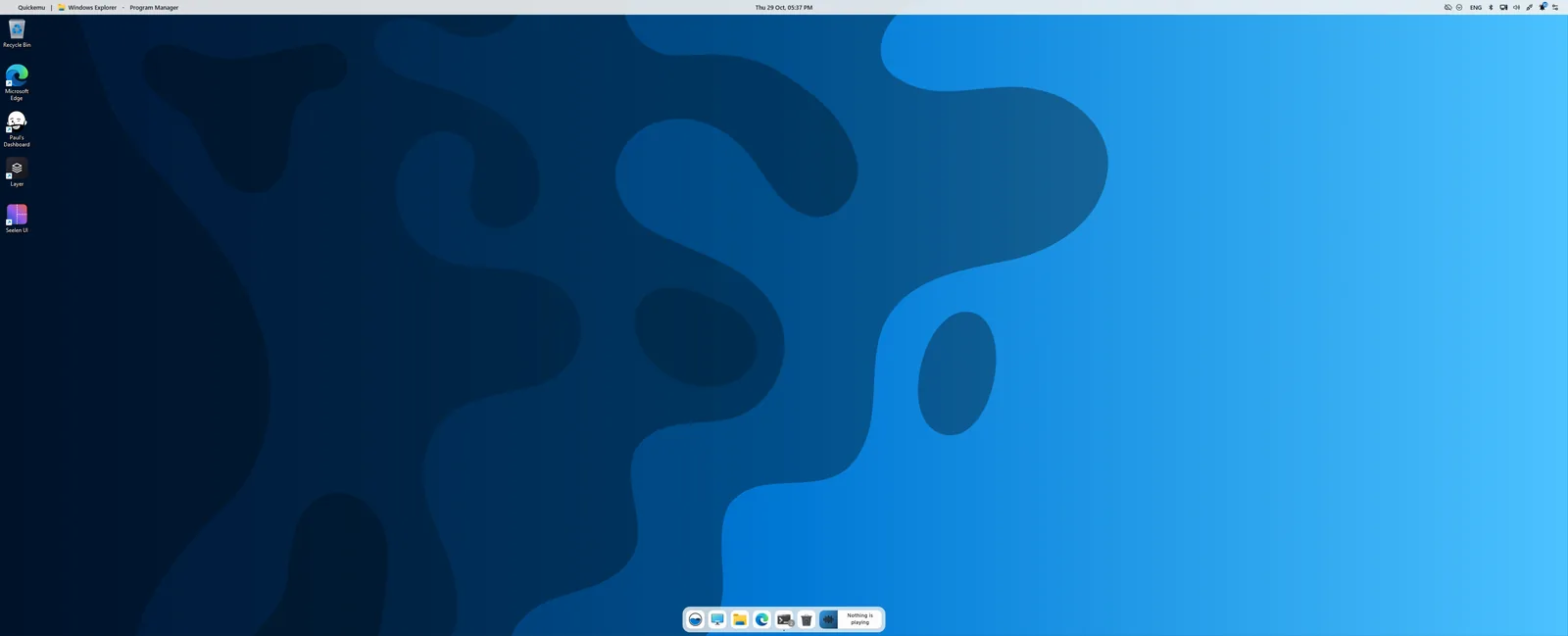
Seelen UI vs Paul’s Dashboard
A whole desktop environment: tiling, a new taskbar and launcher. Pairs with widgets more than it competes.
The free version of the idea
One installer, 100 widgets, 20 themes, no key to buy.
Download for Windows