Layer vs Paul’s Dashboard.
Layer and Paul’s Dashboard are both free ways to put widgets on the Windows desktop. Layer is small and open source, with about 32 widgets and handy desktop tools. Paul’s Dashboard has 100 widgets and goes deeper on styling, live data and automation. Here is the difference, including what Layer does better.
Free · Windows 10 and 11 · No account required
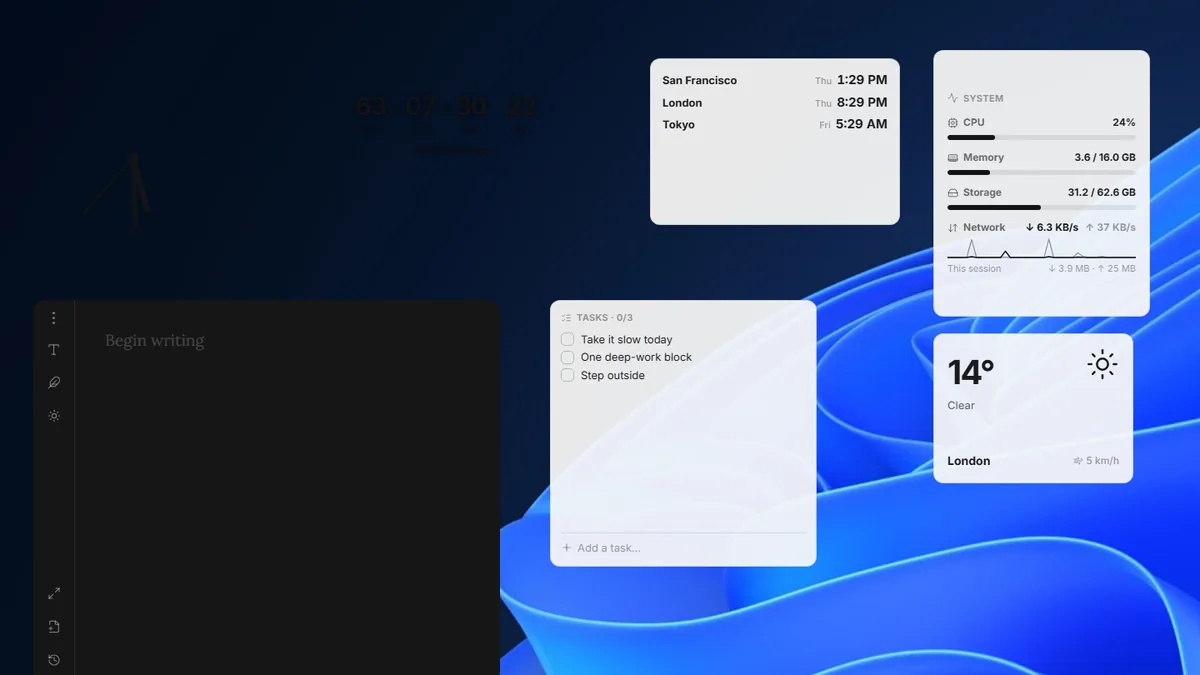
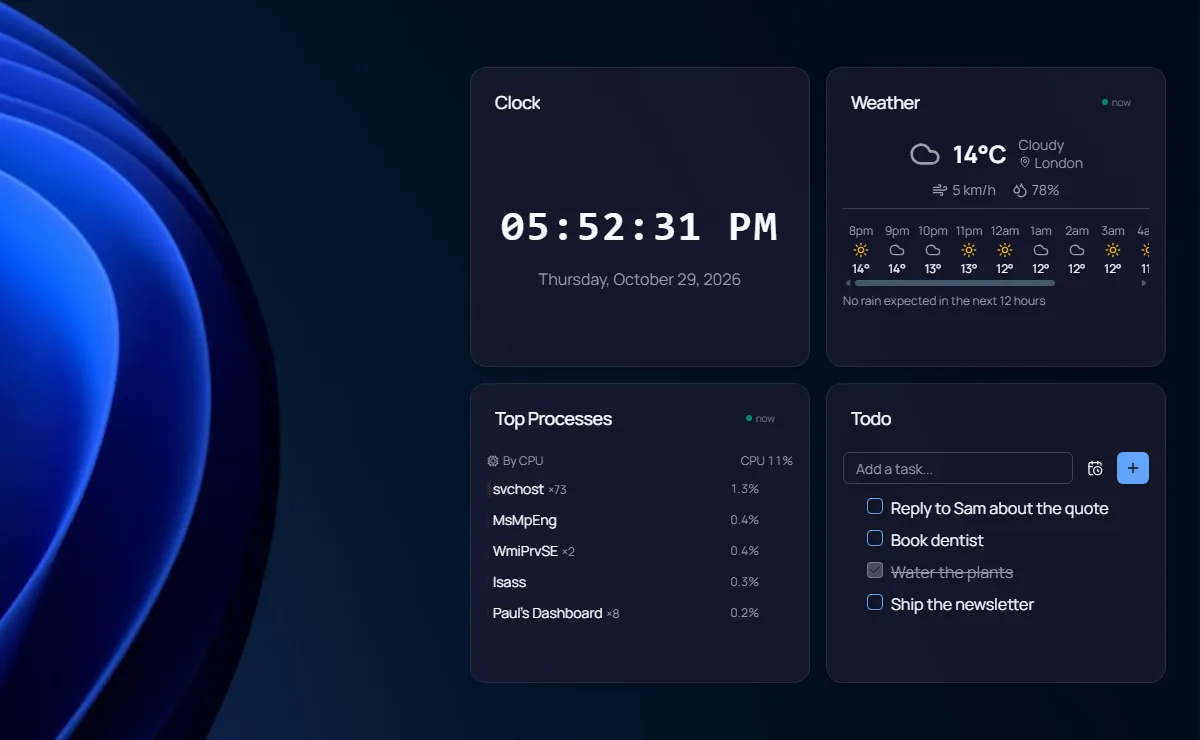
Screenshots we took of both apps on Windows 11, October 2026.
Which one is for you?
Get Layer when
- You want open source (MIT) and a 16 MB download
- You want screensavers, a webcam mirror or a winget updates widget
- You want layouts that switch by themselves when you plug in a monitor
- You want the app in your own language (9 of them)
- You want a quick-capture note over any app
Get Paul’s Dashboard when
- You want 100 widgets, from system stats to Docker
- You want full themes, fonts and per-widget styling
- You want live data from 18 services or any REST API
- You want workflows and native notifications from your widgets
- You want IT policy controls, encrypted backups and a secrets vault
The whole comparison
Both columns written by the Paul’s Dashboard side, so read the left one as the steelman: where Layer is better, it says so. Facts about Layer checked October 2026.
| Axis | Layer | Paul’s Dashboard |
|---|---|---|
| Price and license | Free, open source (MIT) | Free · no account, closed source |
| On the desktop | A widget canvas on the desktop, with a hotkey to show it and one to hide everything | Desktop widgets on your wallpaper, or a window, always on top, or a slide-out dock |
| The catalogue | About 32 widgets: clipboard, converter, toggles, volume mixer, keep awake, web embed, journal and more | 100 built-in widgets |
| Layouts | Spaces, switched by a hot corner and remembered per monitor setup | Screens you switch between, starter layouts and a community Layouts gallery |
| Styling | A colour and light or dark per widget, three sizes, accents from the wallpaper | 20 themes, any Google Font, per-widget overrides |
| Live data | Weather, now playing, Windows notifications, app updates | 18 services with 65 ready views, plus custom REST · keys in an encrypted store |
| Automation | None found | Workflows: schedules, hotkeys, webhooks, clipboard triggers |
| Screensavers | Yes (off by default) | No |
| Languages | 9 languages | English only |
| Size | 16 MB, built on Tauri | Larger, built on Electron |
| Cloud sync | Removed in 1.10; everything stays local | None; encrypted backup files instead |
A handy canvas, and a full board
Layer is a neat piece of work from a single developer: free, open source, small, and full of practical touches. Keep Awake, a volume mixer, a clipboard history, a converter and a journal with a Freewrite mode are all there, and Spaces that follow your monitor setup are a clever idea.
Paul’s Dashboard covers most of those tools too, and then goes further: 100 widgets, themes that restyle the whole board, live data from 18 services, and workflows that run on their own. It is bigger and uses more memory, since it is built on Electron.
If a light, open-source canvas with the essentials is what you want, Layer is a good choice. If you want a deeper board you can style and automate, start here.
Layer questions, answered straight
Are both free?
Yes. Layer is free and open source under the MIT license. Paul’s Dashboard is free with no account and no paid tier.
Does Layer still have cloud sync?
No. Layer removed cloud sync in version 1.10, so everything stays on your PC, though its Store listing still mentions it. Paul’s Dashboard has no cloud sync either; it makes encrypted backup files you can move yourself.
Which is lighter?
Layer. It is a 16 MB Tauri app, and Paul’s Dashboard is an Electron app that wants about 4 GB of free memory.
Can I run both?
Yes. They are separate apps; give them different parts of the screen.
Weighing something else?
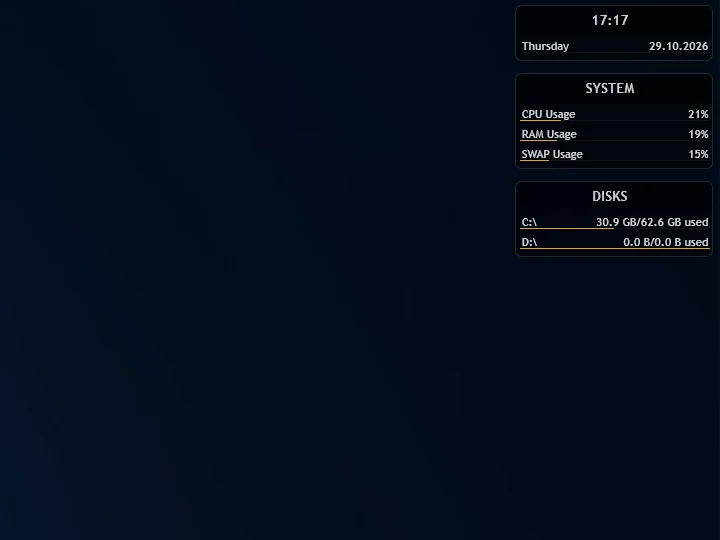
Rainmeter vs Paul’s Dashboard
The skin engine: infinite control, and you build it in .ini files.
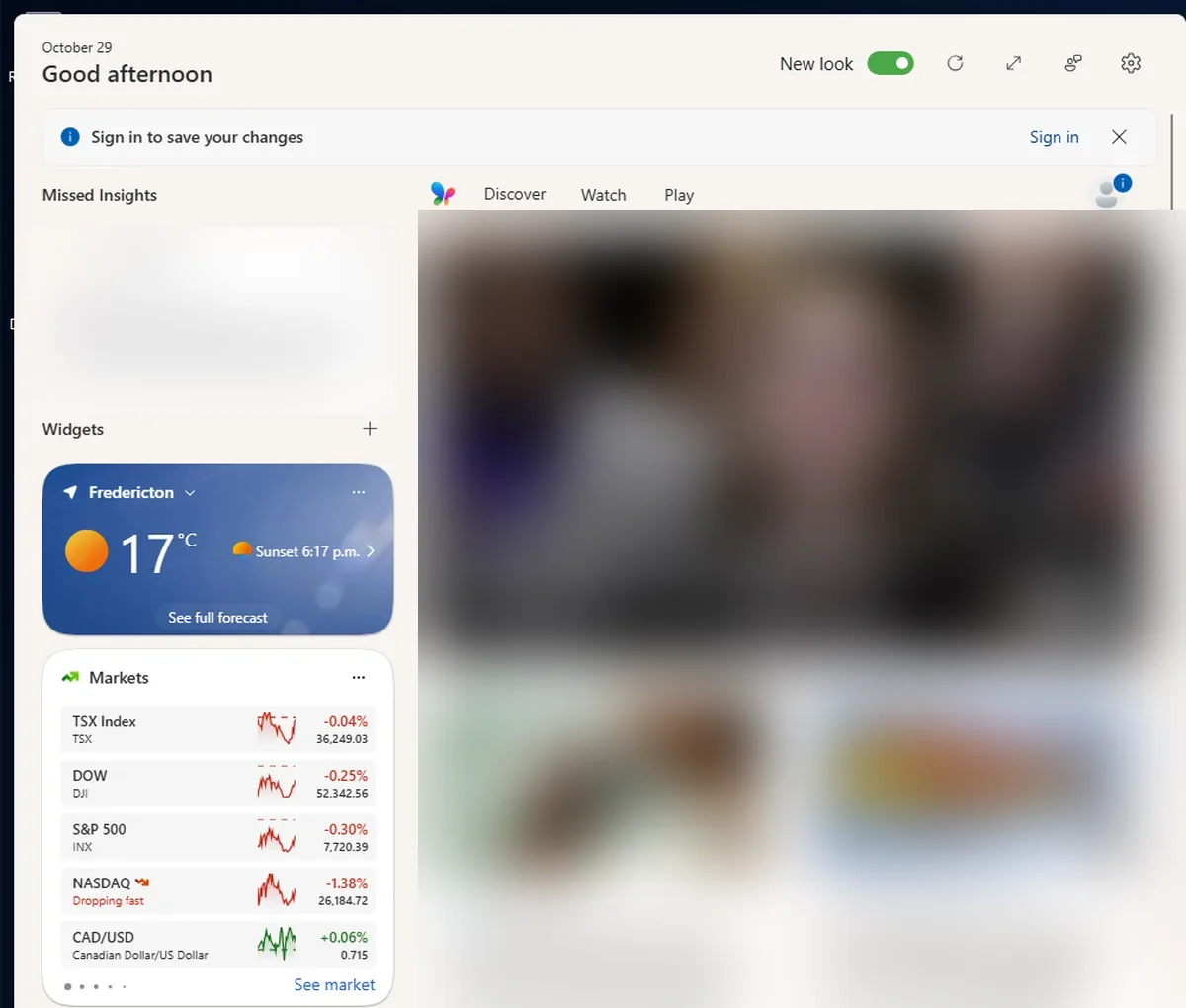
Windows 11 Widgets vs Paul’s Dashboard
The built-in Win+W board: nothing to install, but it lives in a fly-out, not on your desktop.
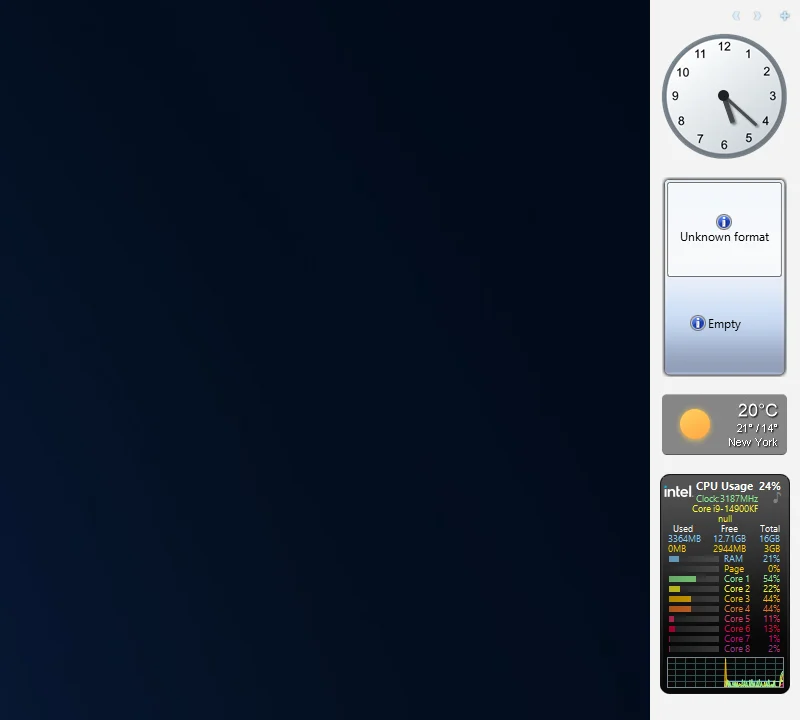
8GadgetPack vs Paul’s Dashboard
The Windows 7 gadgets brought back: familiar and tiny, on a platform Microsoft retired for security.
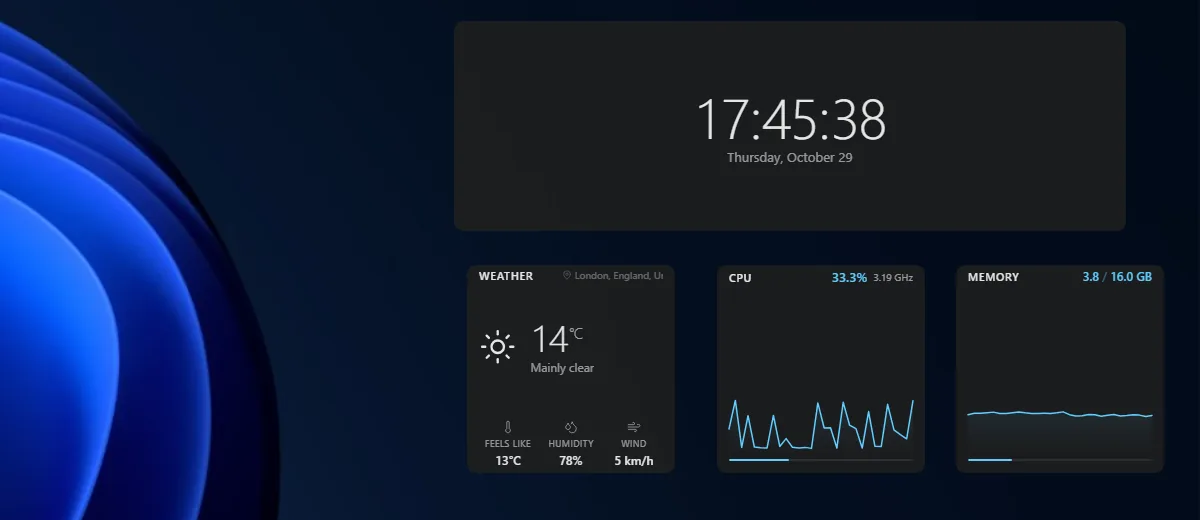
Themia vs Paul’s Dashboard
A polished, newer widget app with email and calendar accounts; a free tier, $19 for Pro.
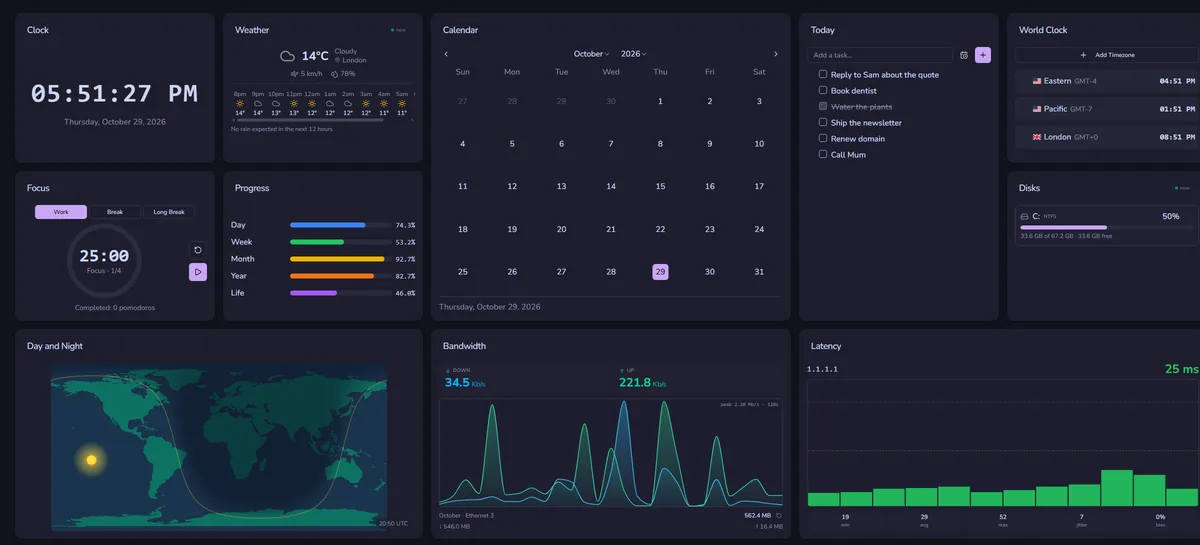
DeskDash vs Paul’s Dashboard
A paid wallpaper dashboard with a widget marketplace and SDK.
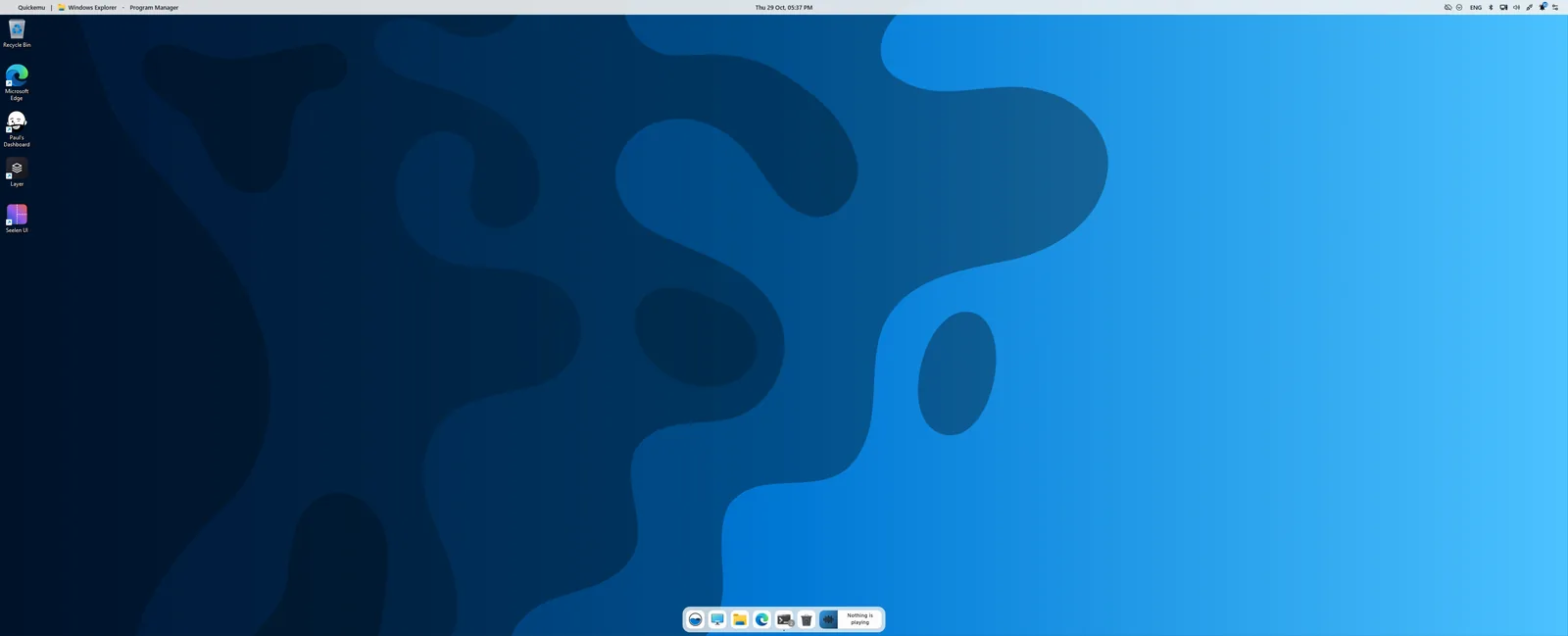
Seelen UI vs Paul’s Dashboard
A whole desktop environment: tiling, a new taskbar and launcher. Pairs with widgets more than it competes.