Seelen UI vs Paul’s Dashboard.
Seelen UI rebuilds the Windows desktop: a tiling window manager, its own toolbar, dock and launcher, with widgets among them. Paul’s Dashboard does one part of that in depth: 100 widgets. They overlap less than they seem to, and many people would run both. Here is the honest picture.
Free · Windows 10 and 11 · No account required

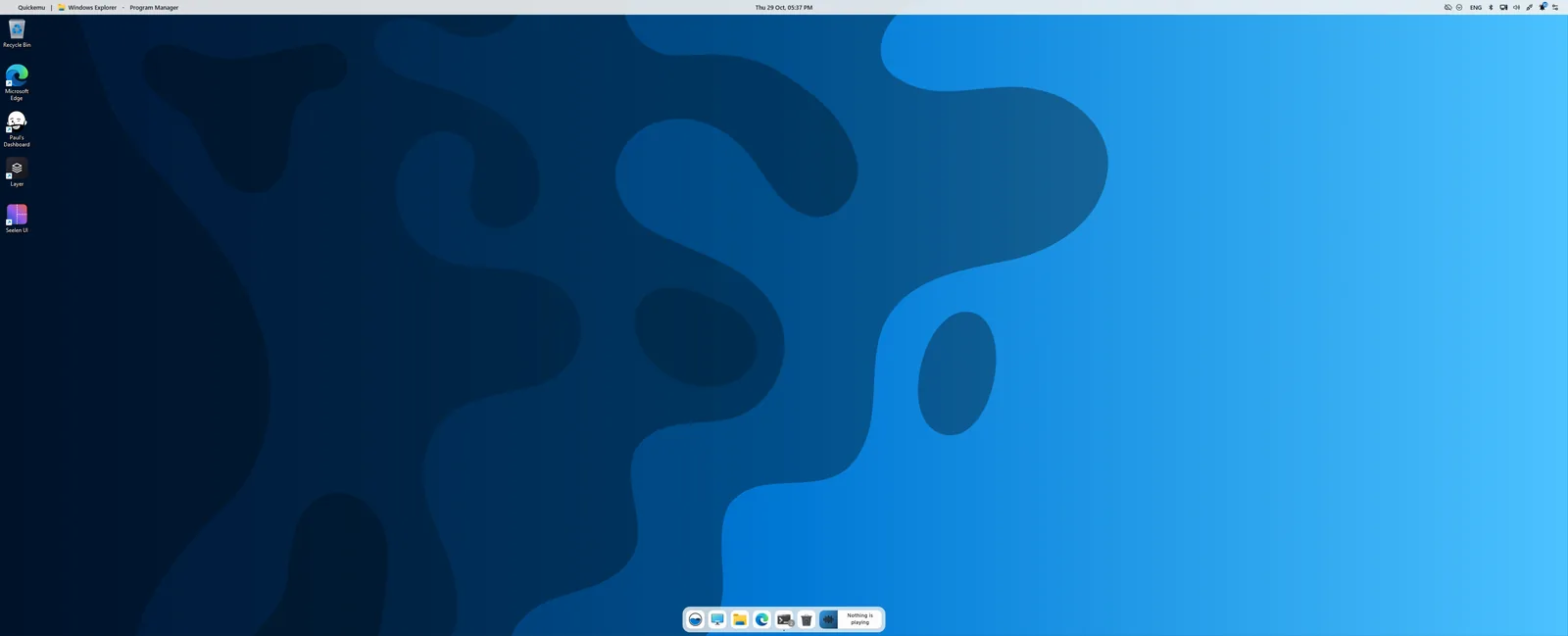
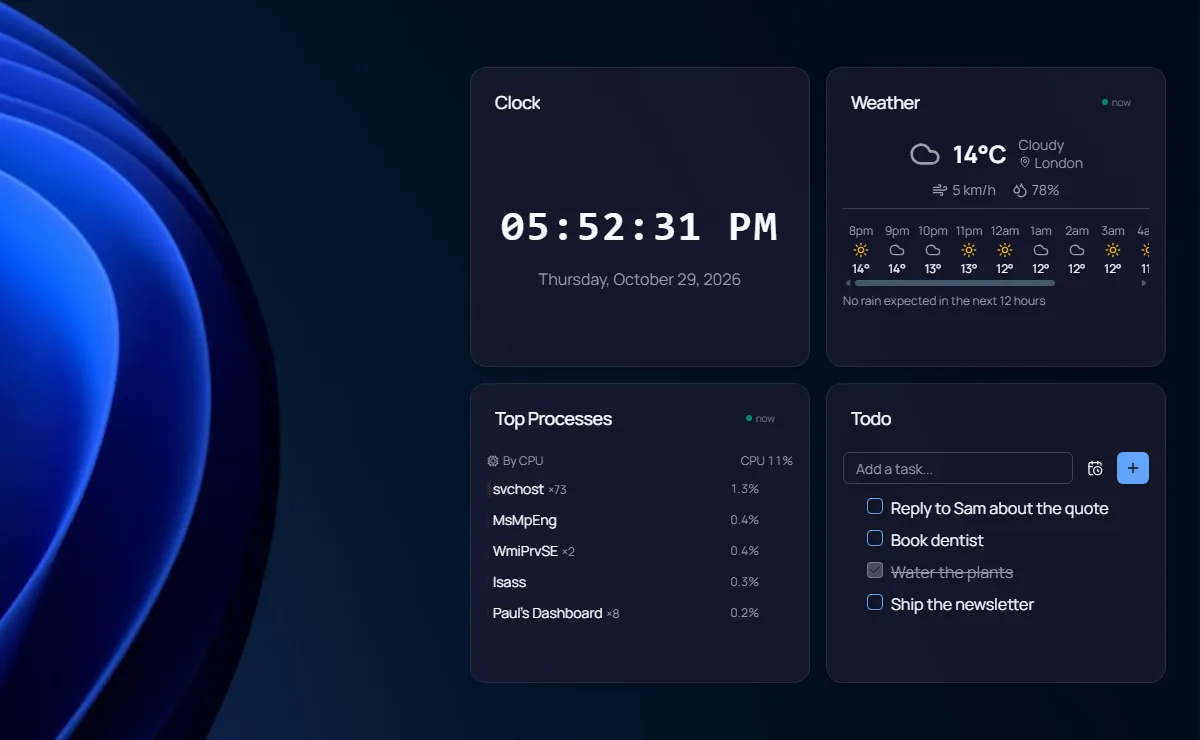
Screenshots we took of both apps on Windows 11, October 2026.
Which one is for you?
Get Seelen UI when
- You want tiling windows and workspaces
- You want to replace the taskbar, dock or Start menu
- You want a keyboard launcher
- Open source (AGPL) and a widget SDK matter to you
- You want the UI in your own language
Get Paul’s Dashboard when
- You want 100 finished widgets rather than a framework for them
- You want to keep the Windows taskbar and window behaviour you know
- You want live data from many services with keys kept encrypted
- You want workflows, native notifications and optional AI in the widgets
- You want IT policy controls for a team
The whole comparison
Both columns written by the Paul’s Dashboard side, so read the left one as the steelman: where Seelen UI is better, it says so. Facts about Seelen UI checked October 2026.
| Axis | Seelen UI | Paul’s Dashboard |
|---|---|---|
| Price and license | Free, open source (AGPL-3.0) | Free · no account, closed source |
| What it is | A desktop environment: tiling manager, toolbar, dock, launcher, widgets, wallpapers | A widget dashboard: on the desktop, in a window, or in a slide-out dock |
| Tiling windows | Yes, with layouts, gaps and per-app rules | No |
| Taskbar replacement | Yes: toolbar, dock and Start menu | No: keeps the Windows taskbar |
| Widgets | Built-in modules plus an SDK and community widgets and themes | 100 built-in widgets, 20 themes, per-widget styling |
| Live data | Depends on the widget | 18 services with 65 ready views, plus custom REST · keys in an encrypted store |
| Languages | Dozens of UI languages | English only |
| Built with | Tauri and Rust (uses WebView2) | Electron |
| Notifications | Not its focus | Native Windows toasts, with quiet hours |
| Install | Microsoft Store, winget or GitHub | One signed installer |
A new desktop, and a board on the one you have
Seelen UI is ambitious: it replaces much of how Windows looks and behaves, from how windows tile to where the taskbar sits and how you launch apps. It is open source, it is moving fast, and if you want a Linux-style tiling setup on Windows it is one of the most complete options there is.
Paul’s Dashboard leaves Windows itself alone. You keep your taskbar and your windows; you add a board of 100 widgets on the desktop, in a window or in a dock. The depth goes into the widgets: settings for each one, live data from 18 services, workflows, and notifications that use Windows’ own toasts.
Because they do different jobs, the honest answer is often both: Seelen for the windows and the bar, Paul’s Dashboard for the widgets. If you only want widgets and like Windows as it is, this is the smaller change.
Seelen UI questions, answered straight
Can I run Seelen UI and Paul’s Dashboard together?
They do different jobs (Seelen arranges windows and replaces the bar; Paul’s Dashboard shows widgets), so running both is a reasonable setup. We have not tested every combination; tell us on Discord if something clashes.
Does Paul’s Dashboard tile windows or replace the taskbar?
No. It keeps the Windows taskbar and window behaviour. If you want those, Seelen UI is the tool.
Which is open source?
Seelen UI, under the AGPL. Paul’s Dashboard is free but not open source.
Are both free?
Yes. Both are free to download and use.
Weighing something else?
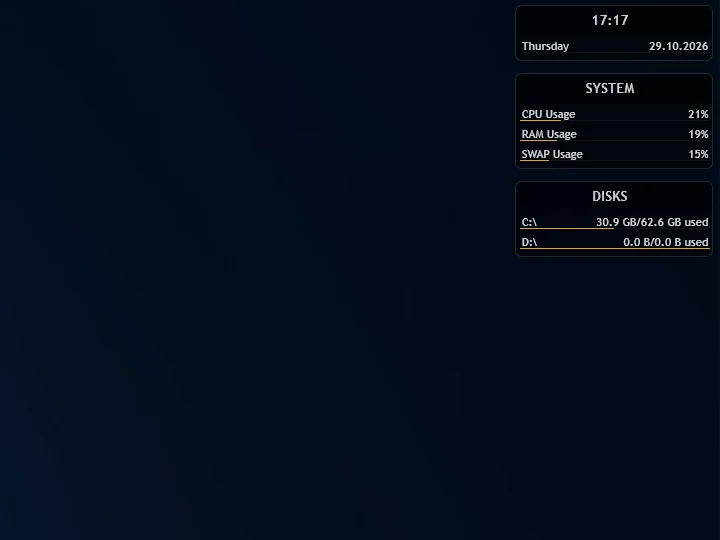
Rainmeter vs Paul’s Dashboard
The skin engine: infinite control, and you build it in .ini files.
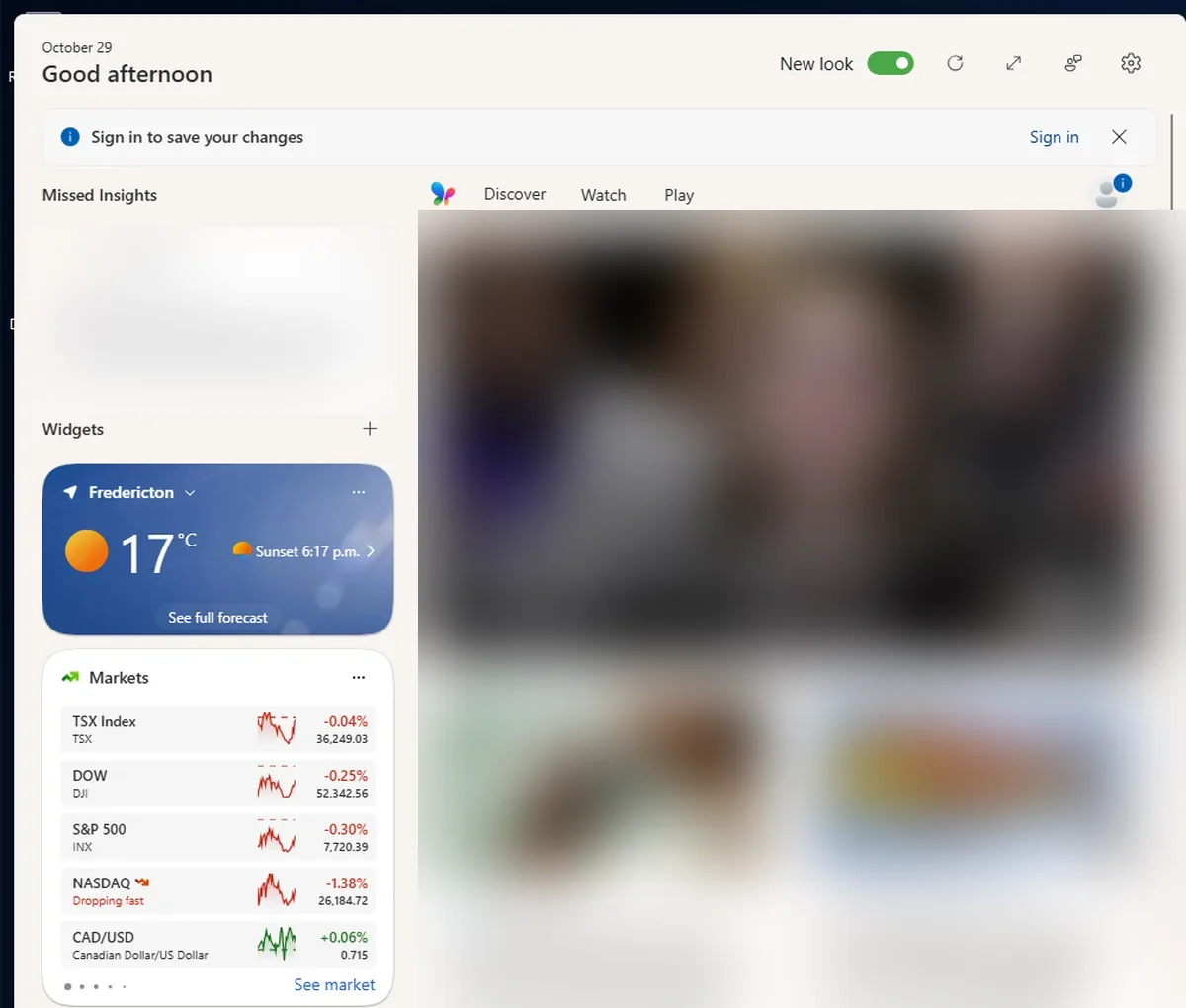
Windows 11 Widgets vs Paul’s Dashboard
The built-in Win+W board: nothing to install, but it lives in a fly-out, not on your desktop.
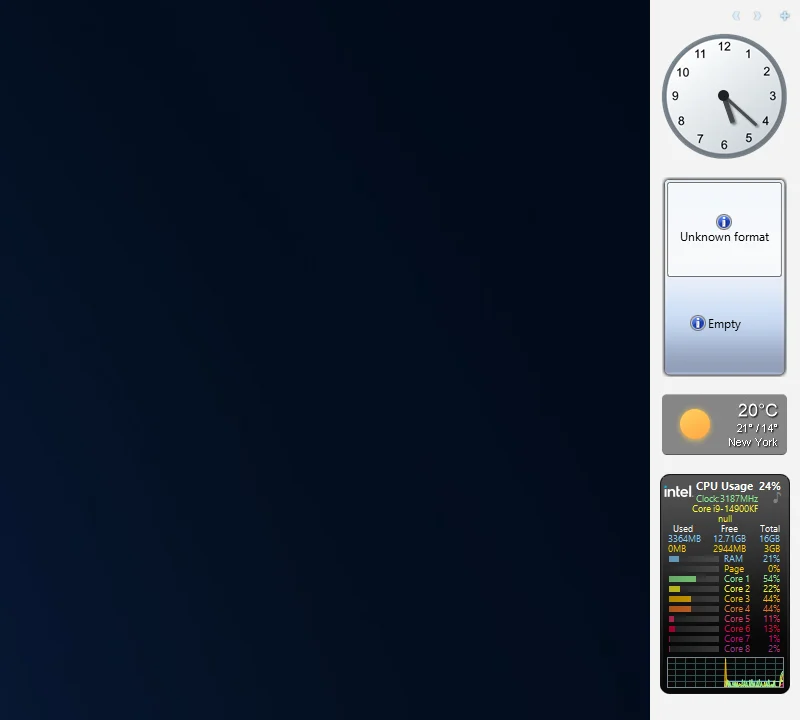
8GadgetPack vs Paul’s Dashboard
The Windows 7 gadgets brought back: familiar and tiny, on a platform Microsoft retired for security.
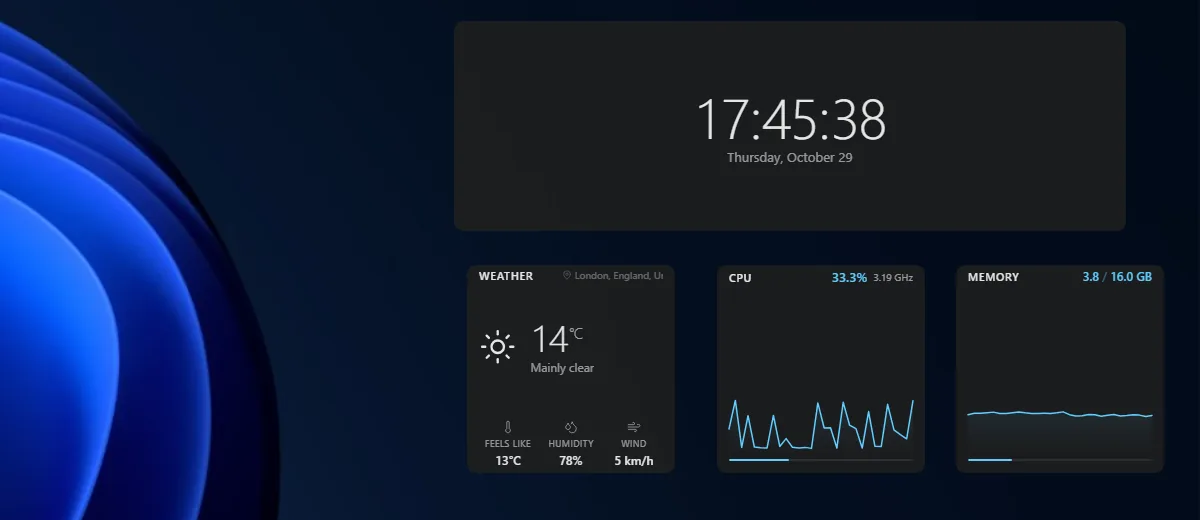
Themia vs Paul’s Dashboard
A polished, newer widget app with email and calendar accounts; a free tier, $19 for Pro.
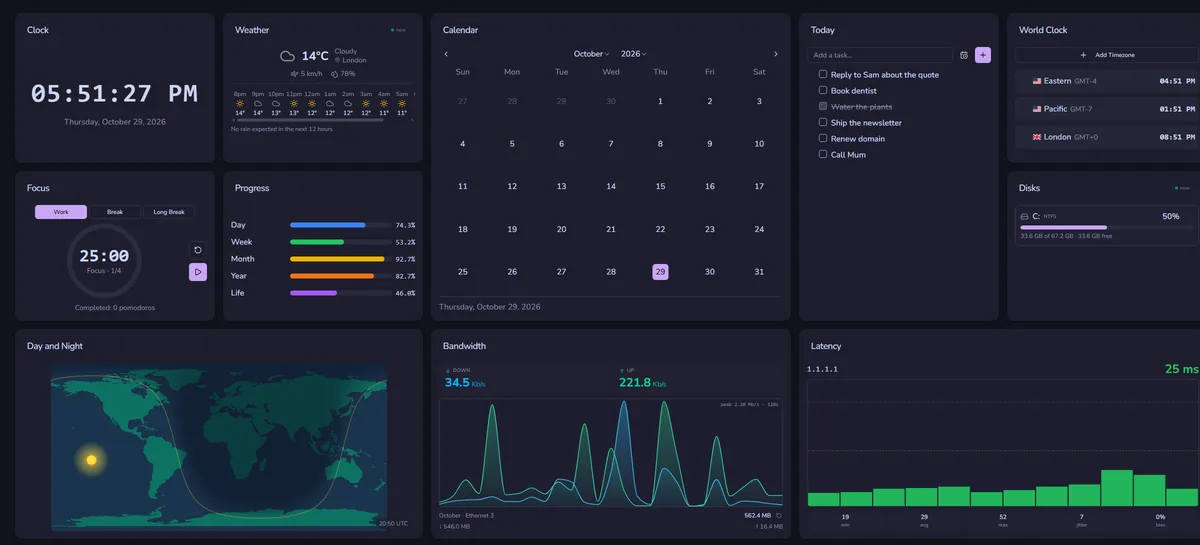
DeskDash vs Paul’s Dashboard
A paid wallpaper dashboard with a widget marketplace and SDK.
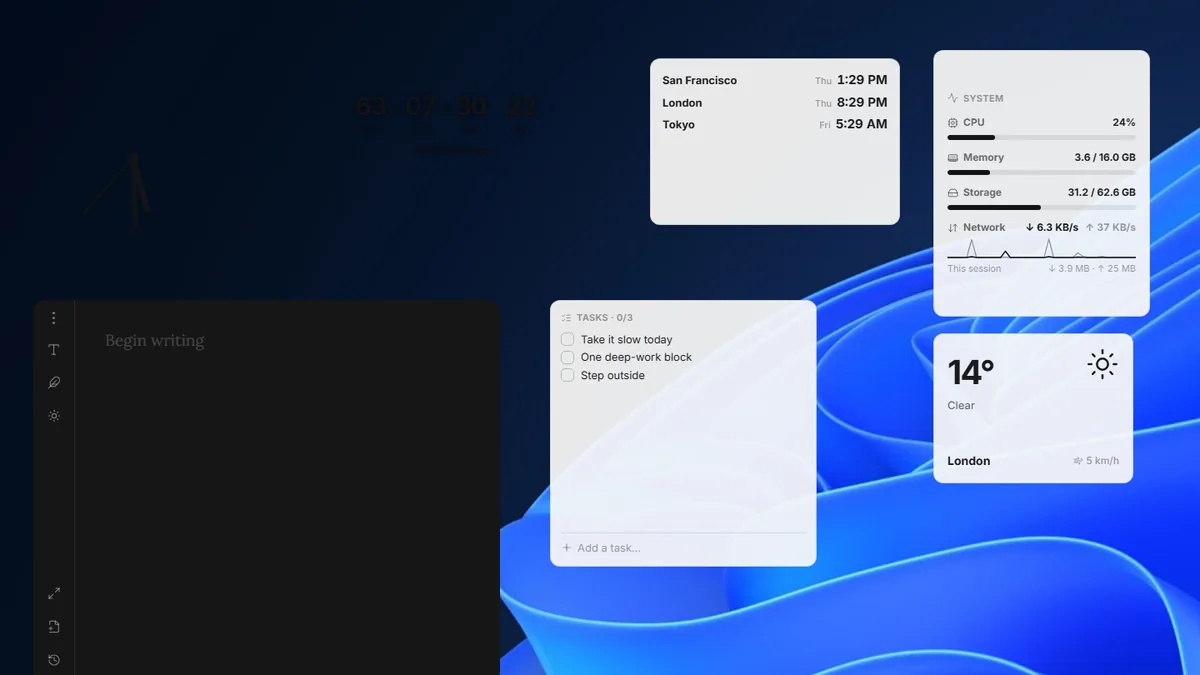
Layer vs Paul’s Dashboard
A small, free, open-source widget canvas with handy desktop tools.
Add a widget board to your desktop
One installer, 100 widgets. Keeps your taskbar; works next to whatever else you run.
Download for Windows